

Key takeaways
- check_circleConvert every plan to cost per found address before comparing anything. Plan prices hide credit counts, and credit counts hide what a credit buys.
- check_circleAt entry pricing, 1,000 found addresses cost roughly $0.40 through Mailsfinder on the $9.99 Starter plan, $24.50 through Hunter, $39 through Snov.io and Anymailfinder prices per tier from 400 credits a month.
- check_circleMailsfinder and Anymailfinder charge nothing when no address is found. Hunter, Snov.io and most others deduct a credit for the search regardless of the result, which changes the real cost by whatever your miss rate is.
- check_circleCoverage, not price, is the thing to test first. Every vendor here publishes a different number on a different sample, so run 200 of your own rows through each free tier before you commit.
- check_circleDropcontact is the outlier: it does not store a contact database and rebuilds each address on request, which is how it markets GDPR compliance to European teams.
- check_circleOnly Mailsfinder and Hunter put finding and verification behind the same key at the same price point. With the rest you either get a thinner verifier or pay a second vendor.
- check_circleFree tiers split into one-time credits and recurring allowances. Mailsfinder gives 100 a day forever, Hunter 50 a month, GetProspect 50 a month, and Tomba 75 once. Only a recurring allowance is enough to build against.
- check_circleProspeo and other database-first vendors are not on this page. They sell lookups against a stored dataset rather than a live finder API, which is a different product with a different failure mode.
What an email finder API actually does
An email finder API turns a person and a company into a working email address. You send a first name, a last name and a domain, and the service returns the address it believes is right, usually with a confidence score and sometimes with the sources it came from. Some vendors answer from a stored database of addresses they have collected. Others generate the likely patterns for that company and test them against the company's mail server in real time. Most do some of both.
The distinction matters more than the marketing suggests. A database lookup is instant and free of side effects, but it is only as fresh as the last time that record was touched, and B2B addresses go stale at roughly a quarter a year. A live pattern test is slower and can be defeated by a catch-all domain, but it tells you what the mail server says today. When a vendor quotes a coverage number, ask which of the two produced it.
The second thing to settle is what you are charged for. A search that returns nothing still costs the vendor a lookup, and most pass that on: the credit goes whether an address comes back or not. On a list where you find 60 percent, paying for misses raises your true cost per address by two thirds. Two vendors here charge only on a hit, and on a hard list that is the difference between a sensible bill and a surprising one.
Everything below is priced per 1,000 found addresses at the entry tier, because that is the number that survives contact with a spreadsheet. Where a vendor charges for misses, the note says so, and you should apply your own hit rate to the figure before you compare it with anything.
The tools at a glance
How we evaluated these tools
Every price came from the vendor's own pricing page or from our research data verified against it in September 2026. Where a vendor publishes a coverage or accuracy figure we report it as their claim, not as a measurement, because none of these numbers were produced on the same list. The only honest coverage test is the one you run on your own rows, which is why the free tiers get their own column.
Cost per 1,000 found addresses at entry
Plan price divided by the addresses the entry plan can actually find, not by credits. Credits mean different things at different vendors.
Charged for misses, or not
Whether a search that returns nothing still costs a credit. On a hard list this moves the real cost more than the headline price does.
Verification included
Whether the returned address has been checked against the mail server, or whether verification is a second product with a second bill.
Free tier you can test coverage with
One-time credits let you try the API once. A recurring allowance lets you run the same 200 rows every month as your list changes.
Three kinds of finder API, and which one you are buying
The pricing pages all look similar. The engine underneath is not, and it decides what happens on the rows that matter.
Pattern and verify, live
Builds the likely addresses for the company and tests them against the mail server now. Mailsfinder and Anymailfinder lead with this. Fresh by definition, and honest about catch-all domains, where nothing can be confirmed.
Database lookup
Answers from a stored set of addresses collected over time. Snov.io, GetProspect and Skrapp.io lean this way. Instant, broad on well-covered companies, and quietly stale on the rest.
Rebuild on request, no stored contacts
Dropcontact does not keep a contact database at all and reconstructs each address when you ask. That is the basis of its GDPR position, and it is the reason European teams shortlist it before they compare price.
Every tool, side by side
Rank is a table position, not a promotional order.
| Tool | Engine | Entry price | Cost per 1,000 found | Free tier | Rating |
|---|---|---|---|---|---|
| Mailsfinder | Pattern and verify | $9.99/mo | ~$0.4 | 100 credits a day | New on G2 |
| Hunter | Database plus pattern | $49/mo | ~$24.50 | 50 a month | 4.4/5 (634) |
| Snov.io | Database | $39/mo | ~$39.00 | 50 credits a month | 4.5/5 (483) |
| Anymailfinder | Pattern and verify | Tiers from 400 credits | Not published in USD | 7-day trial | 3.4/5 (5) |
| Tomba | Database plus pattern | $89/mo | ~$8.90 | Trial credits | New on G2 |
| Dropcontact | Rebuild on request | EUR 29/mo | ~EUR 58 per 1,000 | None listed | 4.6/5 (49) |
| GetProspect | Database | $49/mo | ~$49.00 | 50 valid emails a month | 4.0/5 (41) |
| Findymail | Database plus verify | $99/mo | ~$19.80 | 10 credits, one time | 4.9/5 (56) |
| Skrapp.io | Database | $39/mo | ~$19.50 | None listed | 4.5/5 (329) |
| Voila Norbert | Database plus pattern | $49/mo | ~$49.00 | 50 leads once | 4.6/5 (91) |
Pricing read from each vendor's pricing page or verified research data, September 2026. Cost per 1,000 found addresses assumes every credit finds an address, which is generous to the vendors that charge for misses. Ratings shown only where our research data carries a verified figure and review count. Cost per unit uses each vendor's best published rate, which is usually a larger pack or plan than the entry price in the column beside it, so the two do not divide into each other.
Cost calculator
What finding a list of addresses costs, API to API
Figures use each vendor's published entry rate per found address and assume every credit converts into an address, which favours the vendors that bill for misses. Mailsfinder is priced on the Starter plan, 75,000 credits at 3 credits per found address.
| Tool | Addresses you get | Rate used |
|---|
Rates read from each vendor's pricing page or verified research data, September 2026. Where a vendor charges for searches rather than results, divide by your own hit rate for the true figure.
The tools, reviewed
Every tool gets the same card: what it is, four features, three pros, three cons, and an honest read. Same format for ours as for everyone else's.
Mailsfinder
Pattern and verify, pay per hit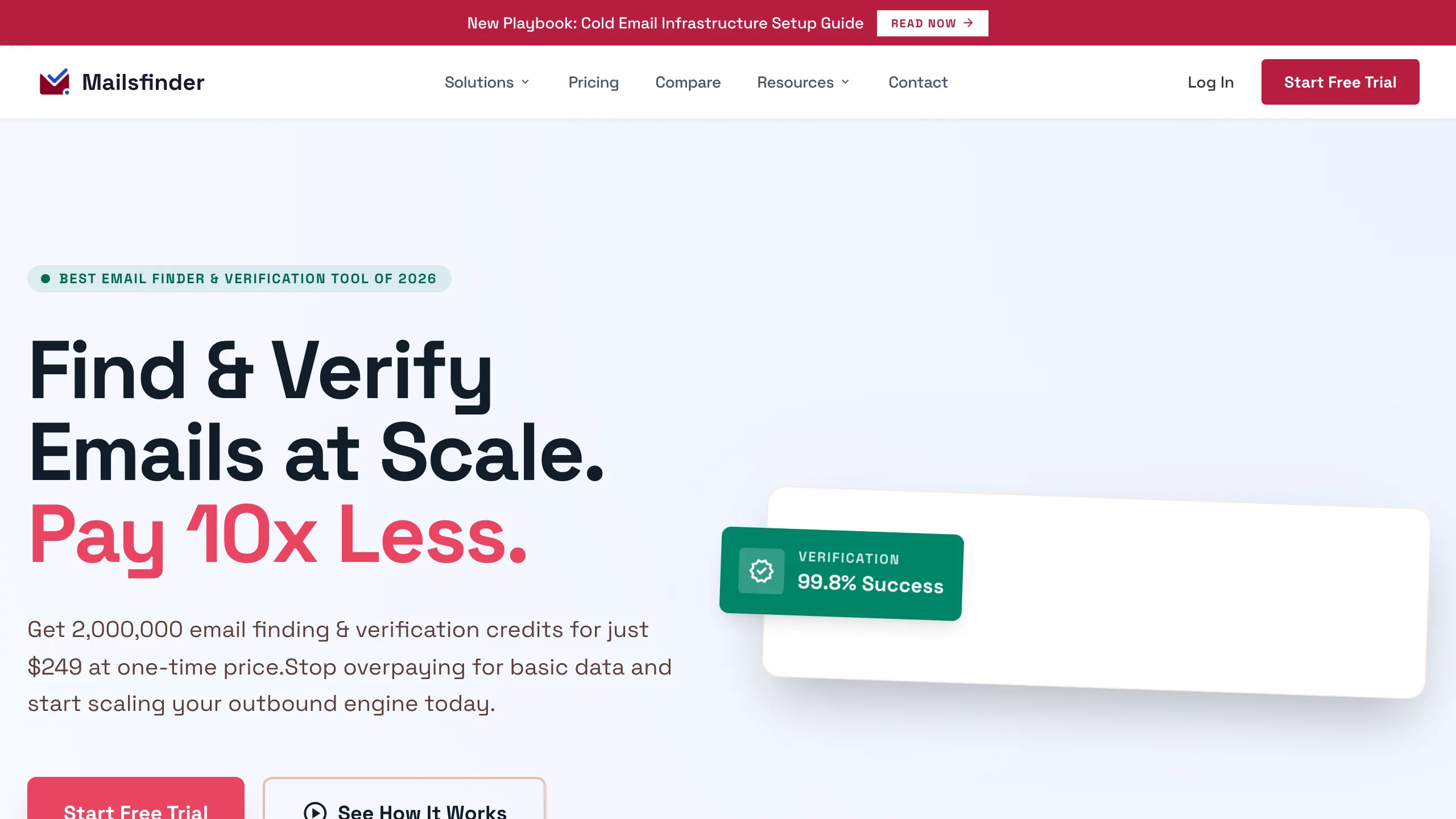
This is our API, so read the cons first and check the pricing page yourself. A find takes a first name, last name and domain, builds the address patterns that company might use, and tests them against the mail server until one is accepted. You are charged 3 credits when an address comes back and nothing when it does not. The $9.99 Starter plan holds 75,000 credits, which is where the $0.40 per 1,000 figure comes from, and the same balance covers verification at 1 credit and the bulk uploader.
Key features
- checkfindEmail and findBulkEmail one person or an array, same key, same JSON shape.
- checkCharged on hits only a search that returns nothing costs nothing, which matters on lists that resolve badly.
- checkSMTP check inside the find the returned address has been tested against the mail server, not read from a stored record.
- checkPublished rate limit 600 requests a minute on Starter and Annual, 300 on Lifetime.
Pros
- addLowest cost per found address on this page
- addNo charge when nothing is found
- addFinder and verifier share one balance
Cons
- removeNo Chrome extension, still on the roadmap
- removeCatch-all domains return Unknown, no score
- removeNewer platform with a thin review record
The honest read
Strong on price and honest about what it cannot confirm. What you give up is the database breadth of the older vendors and a browser extension, so a LinkedIn-first workflow needs a CSV export or the API rather than a click.
Hunter
The best-known finder API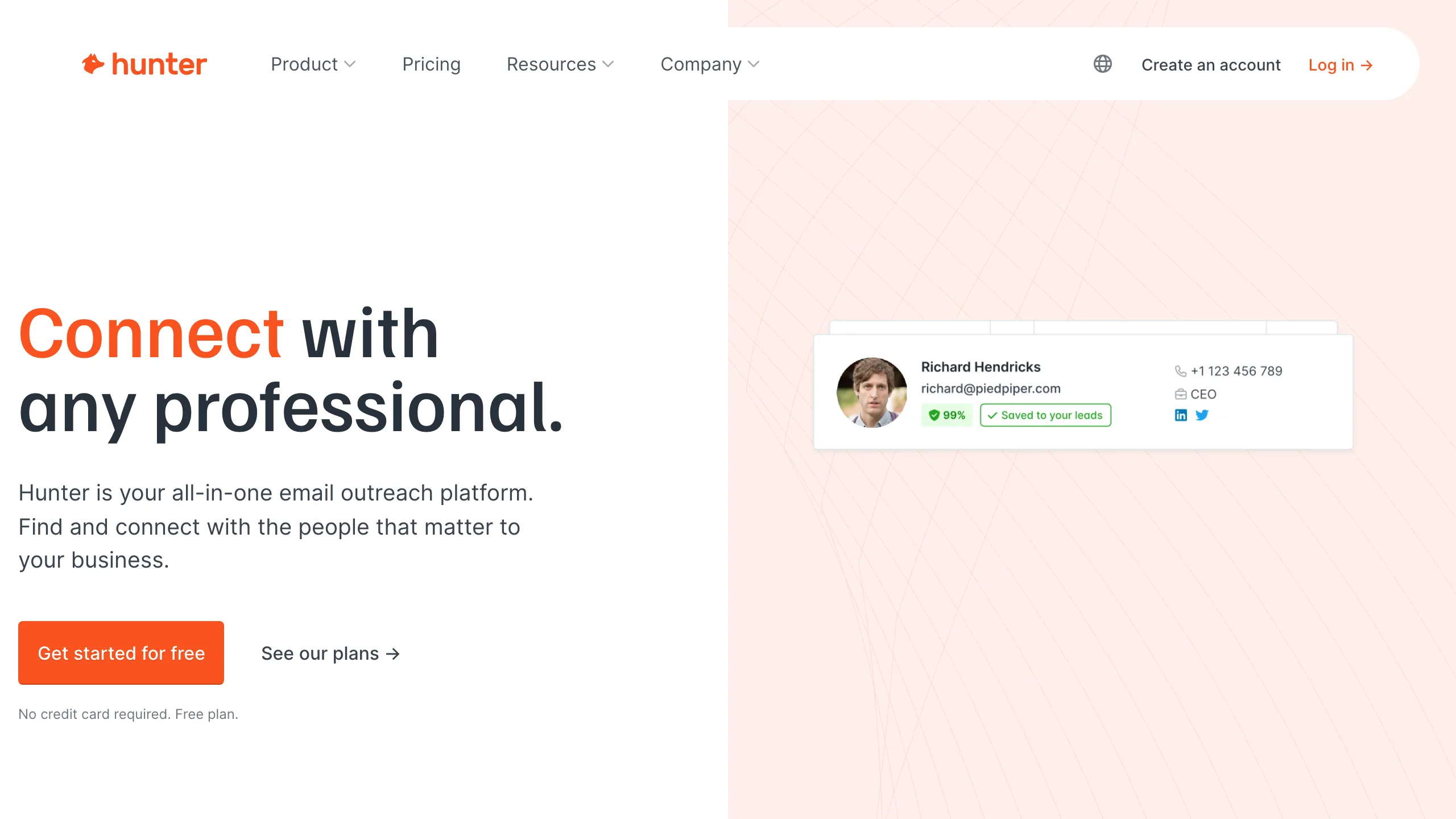
With 634 G2 reviews at 4.4 and documentation most developers have already read, Hunter is the default choice and prices accordingly: $49 a month for 2,000 searches on Starter, $149 for 10,000 on Growth, $299 for 25,000 on Scale. Annual billing takes roughly 30 percent off. The API covers Email Finder, Domain Search, Email Verifier and Author Finder under one key, and the free plan includes API access with 50 credits a month, which is enough to prototype but not to measure coverage properly.
Key features
- checkDomain Search as well as Finder returns every address Hunter holds for a company, which is useful when you have no specific name.
- checkConfidence score and sources each result carries where Hunter saw the address and when, which is rare and genuinely useful.
- checkClient libraries official and community SDKs in most languages, so integration is minutes rather than hours.
- checkVerification credits sold separately bulk verification runs from $11 per 1,000 on the data platform.
Pros
- addBest documentation and library support here
- addSources and confidence attached to results
- add634 G2 reviews at 4.4
Cons
- removeAround $24.50 per 1,000 searches at entry
- removeSearches are billed whether or not they resolve
- removeFree tier of 50 a month is thin for testing
The honest read
The safe pick when developer time costs more than credits, and the wrong pick when the list is large and the budget is fixed. At 2,000 searches for $49 you are paying for the ecosystem, and on this page that is roughly 36 times the Mailsfinder rate.
Snov.io
Finder inside a sales platform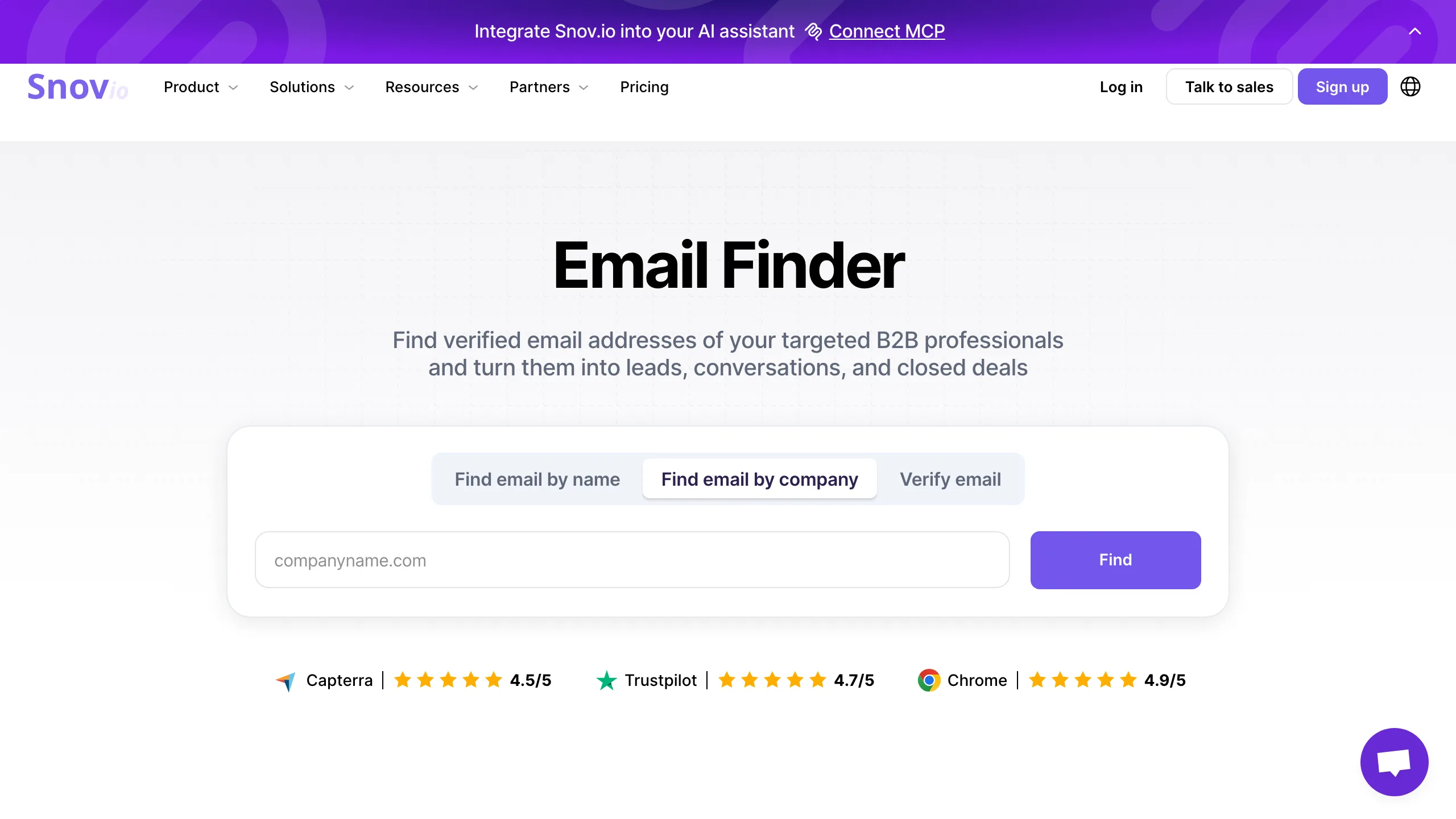
Snov.io sells the finder as one part of a sales platform that also runs drip campaigns, a CRM and a warm-up tool, and the pricing reflects the bundle: $39 a month for 1,000 credits plus 5,000 campaign recipients. If you were going to buy a sequencer anyway, the effective finder cost is lower than the table suggests. If you only want addresses, you are paying for four products to use one. API access starts on the Starter plan, not the free one, which rules out prototyping before payment.
Key features
- checkFinder, verifier and sequencer one platform, one bill, if you want all three.
- checkLinkedIn extension pulls profiles into the same credit pool as the API.
- checkDrip campaigns included 5,000 recipients on the entry plan, which is real money if you would otherwise buy a sending tool.
- check483 G2 reviews at 4.5 the second-largest verified review base in this group.
Pros
- addFinder, verifier and sending in one place
- addStrong verified review base
- addExtension and API share credits
Cons
- removeAround $39 per 1,000 credits at entry
- removeNo API access on the free plan
- removePaying for a platform when you want an endpoint
The honest read
Good value as a platform and poor value as a pure finder API. Choose it when the sequencer matters to you; skip it when all you need is name and domain in, address out.
Anymailfinder
Only pay for verified results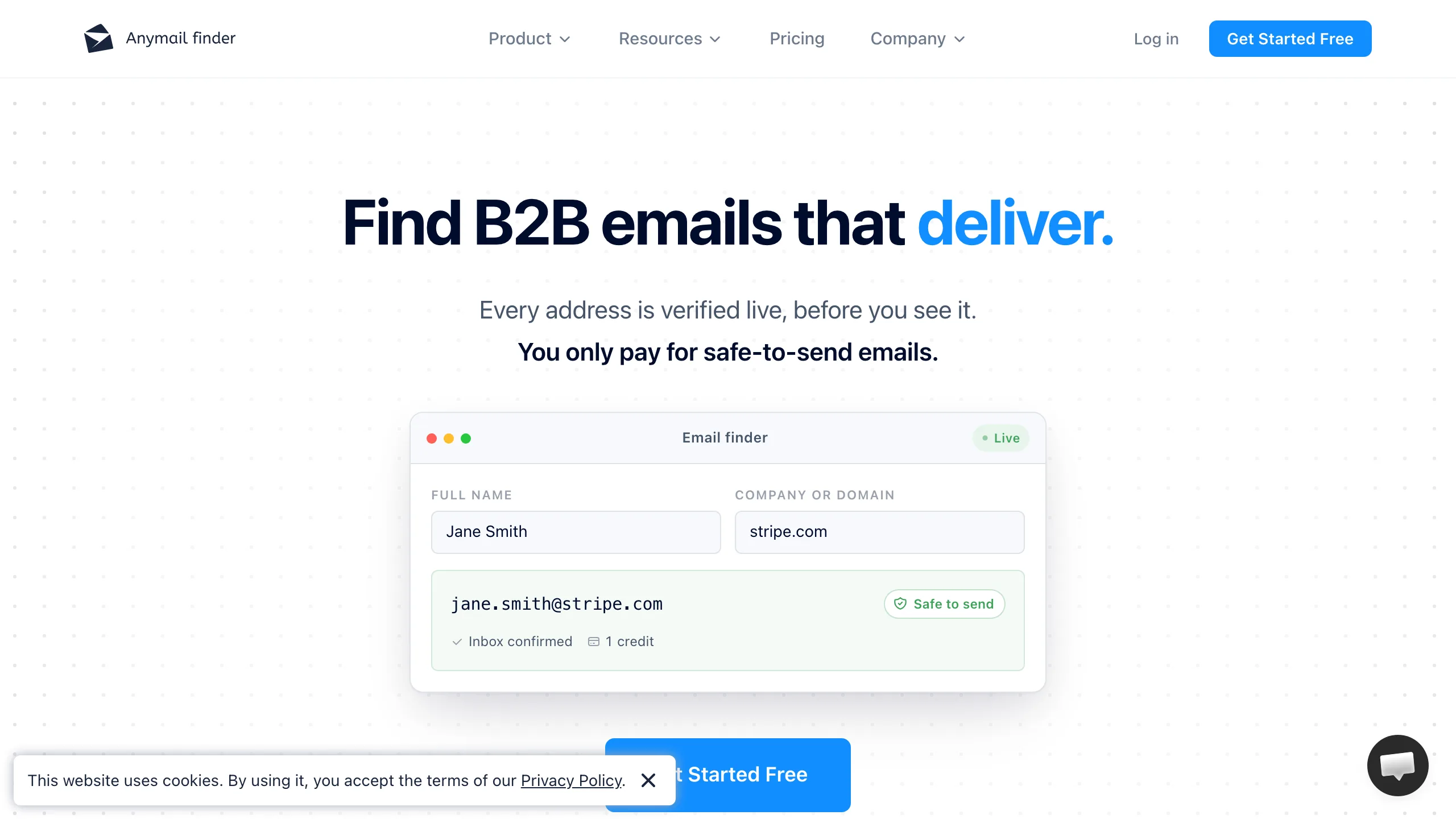
The billing model is the selling point: you are charged only when a verified address comes back, so a failed lookup costs nothing. The entry plan is where it gets awkward, at $14 a month for 50 credits, which is $0.28 per address and the highest unit price on this page. Volume plans bring that down substantially. The API is documented plainly, covers single and bulk finding, and the bulk endpoint returns a file rather than a stream. With 5 G2 reviews the public track record is thin.
Key features
- checkCharged on verified results only misses cost nothing, which is the clearest billing model here.
- checkBulk endpoint returns a file sensible for overnight enrichment jobs.
- checkDecision-maker search finds a role at a company when you do not have a name.
- checkSimple, readable API docs one page, no SDK required.
Pros
- addPay only for verified addresses
- addClear, small API surface
- addLow monthly entry price
Cons
- remove50 credits on the $14 plan, so $0.28 per address
- removeOnly 5 G2 reviews to judge by
- removeTrial credits expire after 7 days
The honest read
The billing model deserves copying and the entry pricing does not. Worth a look at volume, where the per-address rate falls a long way, and hard to justify at the Starter tier.
Tomba
Broad API surface, low entry price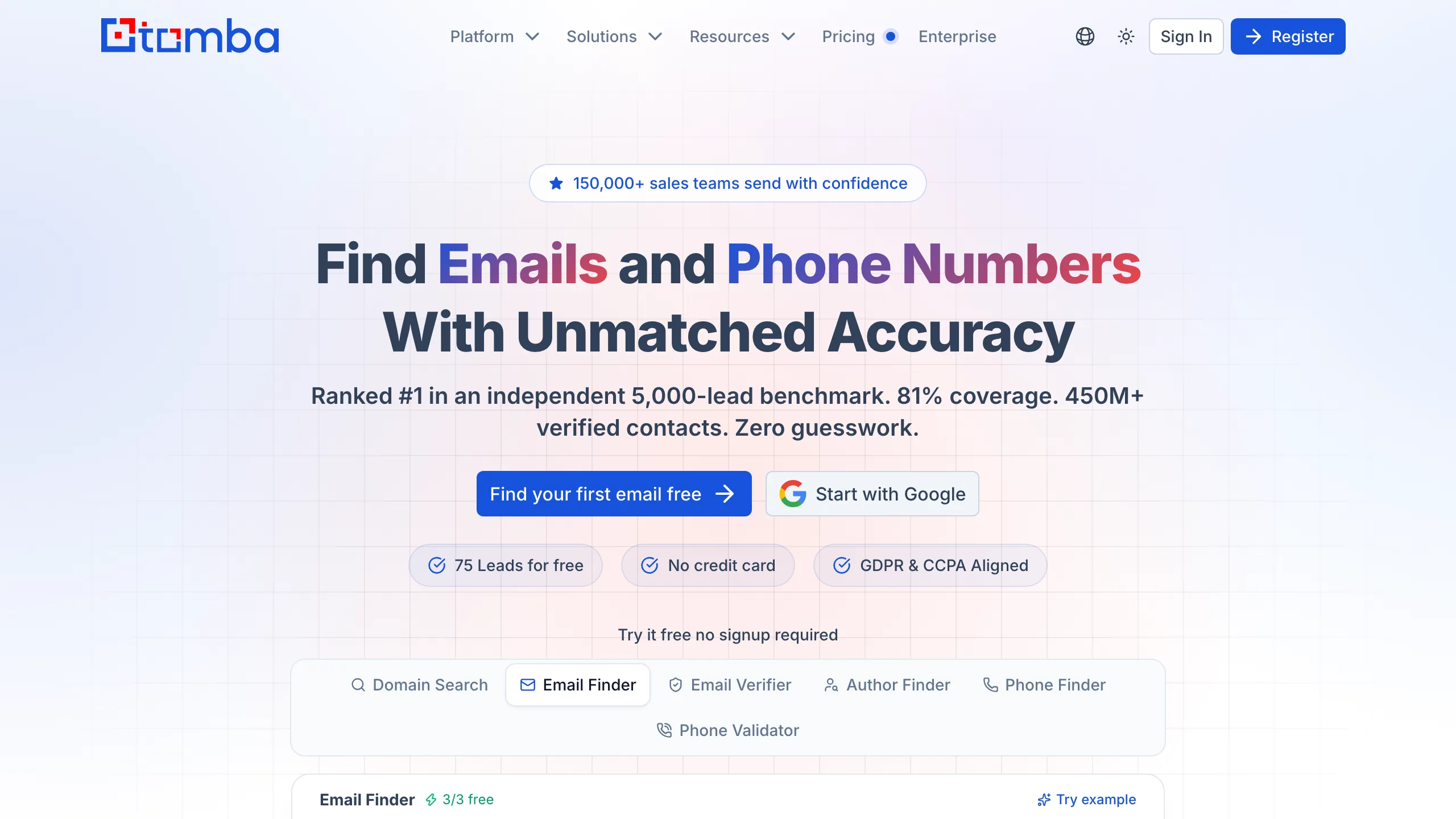
Tomba covers more endpoints than anyone else on this page: email finder, domain search, verifier, author finder, phone finder and phone validator, all under one key, from $29 a month for 2,500 credits. The homepage claims 81 percent coverage in a 5,000-lead benchmark and 450 million contacts, both vendor figures on a vendor sample. The author finder in particular has no real equivalent elsewhere and is the reason link builders end up here.
Key features
- checkSix endpoints on one key finder, domain search, verifier, author finder, phone finder, phone validator.
- checkAuthor Finder resolves the writer behind a URL, which is a genuinely different job from the rest of this list.
- check2,500 credits for $29 the second-lowest entry rate here.
- checkSDKs in several languages plus a documented REST surface.
Pros
- addWidest endpoint coverage on this page
- addAround $11.60 per 1,000 credits at entry
- addAuthor finder has no direct rival
Cons
- removeNo verified G2 rating to judge it by
- removeCoverage claims are vendor-measured
- removeFree tier is trial credits on signup
The honest read
The most capable API here per dollar, with the least public evidence behind its claims. Run the trial credits on your own rows before you form a view.
Dropcontact
No stored contacts, GDPR-first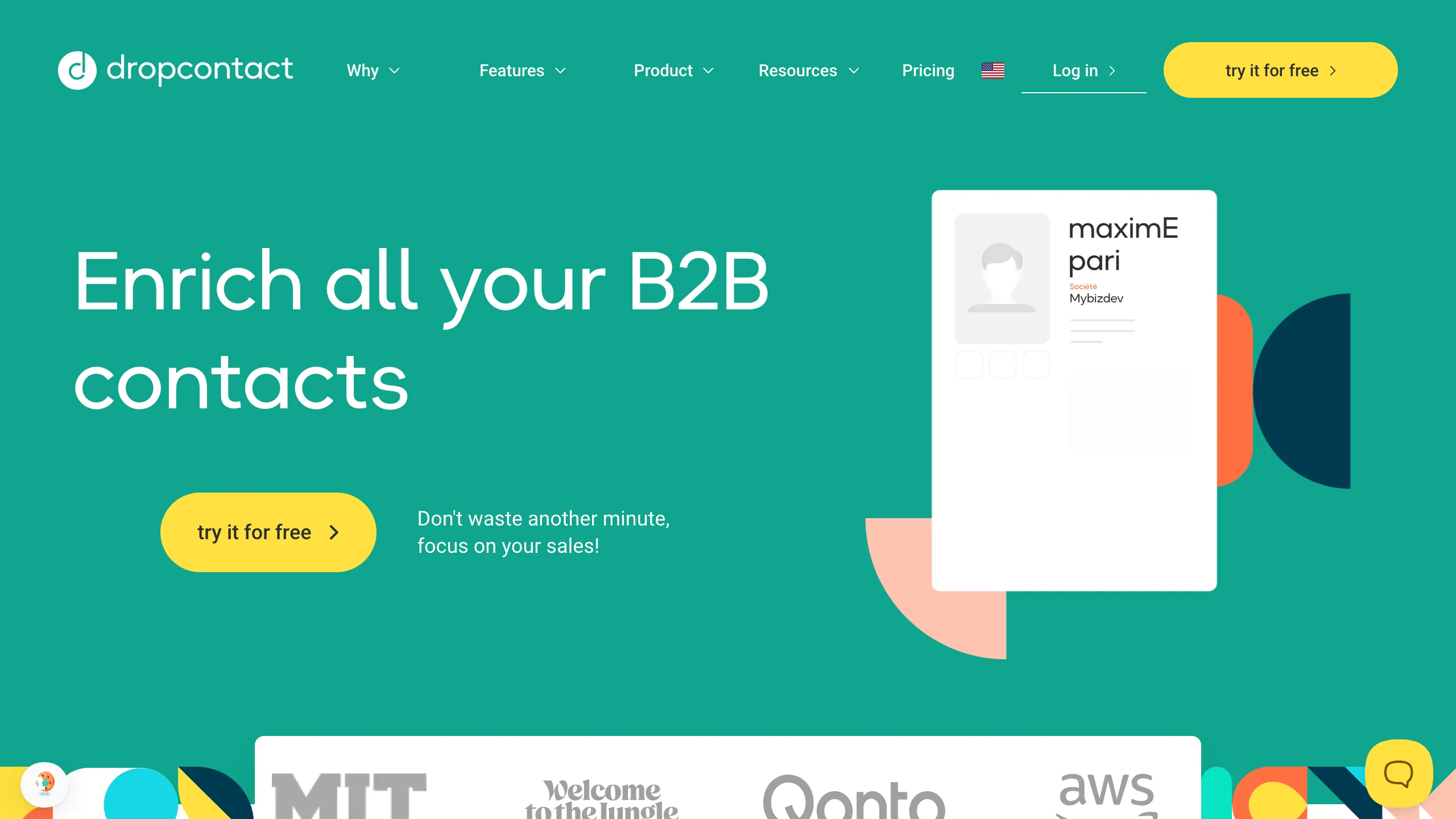
Dropcontact holds no contact database. Each address is reconstructed and verified at the moment you ask, which is the architecture its GDPR position rests on, and for a European team that is often the deciding factor before price enters the conversation. Pricing starts at EUR 29 a month for 500 credits, around EUR 24 on annual billing, so the unit cost is high next to the volume vendors. The API is on every plan, including an MCP server, and the enrichment goes beyond email to job title and company data.
Key features
- checkNo stored contact database addresses are rebuilt per request, which is the basis of the GDPR claim.
- checkEnrichment beyond email job titles, company data and normalisation come back in the same call.
- checkAPI on all plans including an MCP server for agent workflows.
- check4.6 on G2 across 49 reviews small but consistent.
Pros
- addStrongest data-protection position here
- addEnriches more than the address
- addAPI included on every plan
Cons
- removeAround EUR 58 per 1,000 credits at entry
- removeNo standing free tier to test with
- removeEuro pricing adds FX noise for US teams
The honest read
If a data-protection review is part of your buying process, this is the shortlist of one. If it is not, you are paying a substantial premium for an architecture that does not change your output.
GetProspect
API on the free plan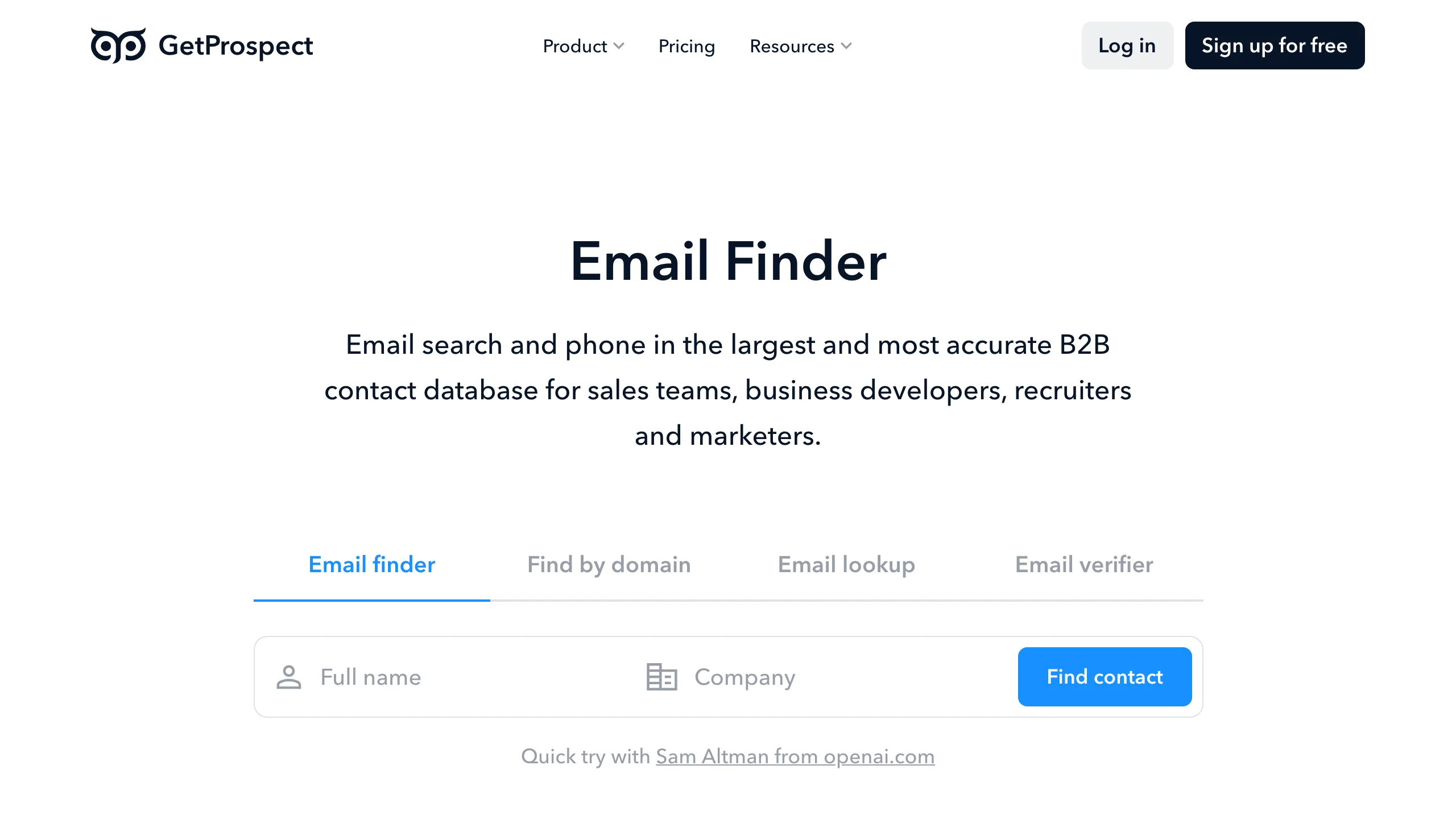
GetProspect counts in valid emails rather than credits, which removes one layer of arithmetic: $49 a month buys 1,000 valid addresses plus 2,000 verifications, or $34 a month on annual billing. The free plan is the notable part, because it includes API access with 50 valid emails a month, so you can measure coverage on your own rows before paying anyone. The product is built around a LinkedIn extension and a contact database, with a CRM layer on top.
Key features
- checkPriced in valid emails not credits, so the plan number is the address number.
- checkAPI on the free plan 50 valid emails a month, enough to benchmark coverage.
- checkVerification bundled 2,000 verifications alongside the 1,000 finds on Starter.
- checkLinkedIn extension and CRM for teams working profile by profile.
Pros
- addFree plan includes API access
- addCounts valid emails, not credits
- addVerification bundled with finding
Cons
- removeAround $49 per 1,000 valid emails
- remove4.0 on G2, the lowest verified rating here
- removeDatabase-led, so freshness varies by company
The honest read
The free tier is the most useful thing here: it is the cheapest way to run a real coverage test before committing. Paid pricing sits at the top of the market for what you get.
Findymail
Built for cold email operators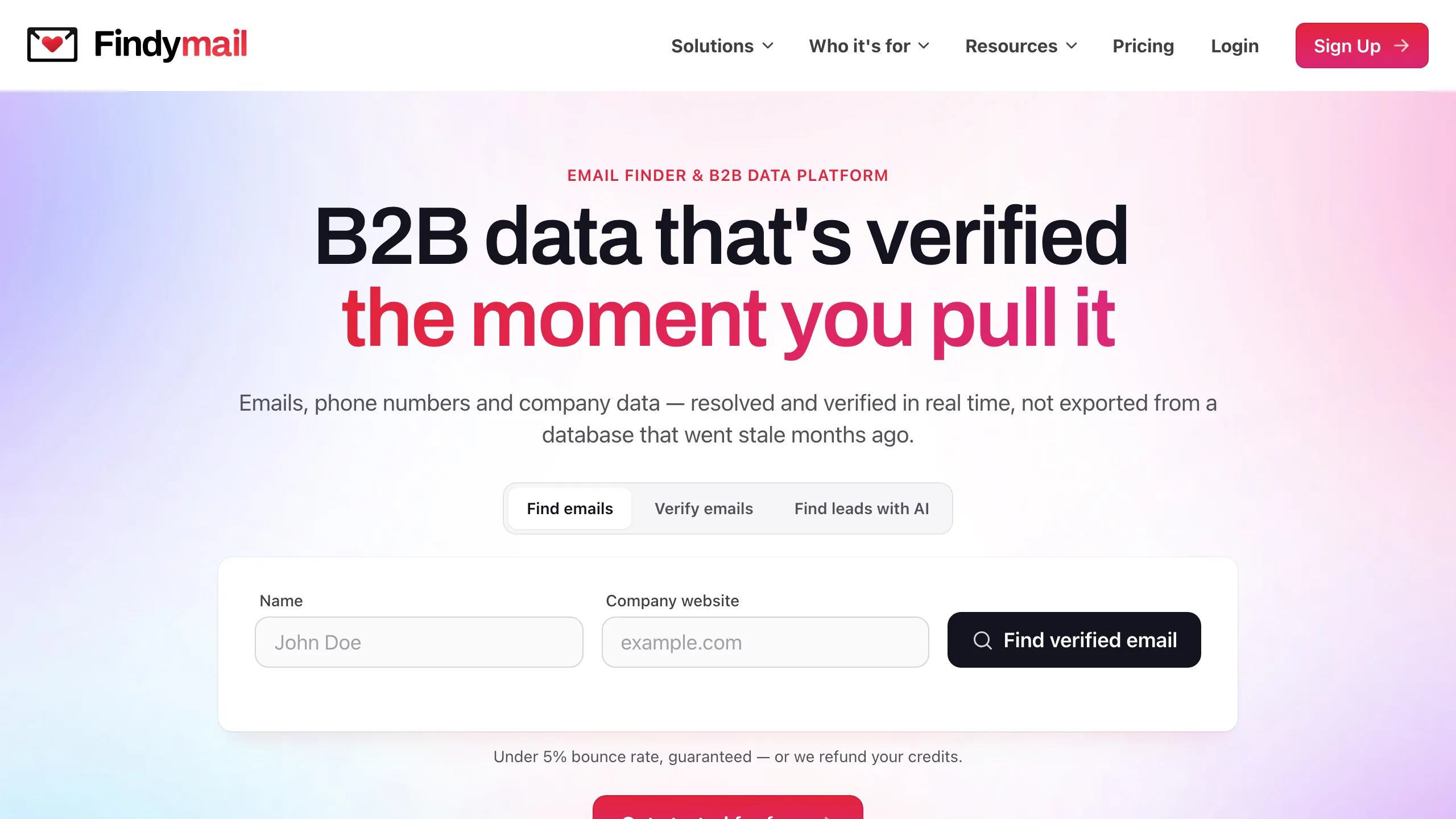
Findymail has the highest verified rating on this page, 4.9 across 56 G2 reviews, and it comes from a specific crowd: cold email operators who care most about bounce rate. The product verifies as part of finding and markets a bounce guarantee, with pricing from $49 a month for 1,000 credits and $99 for 5,000 plus 5,000 verifications. The API is available on all plans, and there are native integrations with the sending tools this audience already uses.
Key features
- checkVerification inside the find the returned address has been checked, which is the basis of the bounce claim.
- checkIntegrations with sending tools Lemlist, Instantly and Smartlead among others.
- checkAPI on all plans no tier gate on programmatic access.
- check4.9 on G2 across 56 reviews the highest verified rating in this group.
Pros
- addHighest verified user rating here
- addVerification built into every find
- addNative integrations with cold email tools
Cons
- removeAround $49 per 1,000 credits
- removeNo standing free tier
- removeNarrow focus on outbound use cases
The honest read
Loved by the people it is built for, and priced for teams whose cost per meeting is far above their cost per address. If you are optimising the bill rather than the bounce rate, look further down the table.
Skrapp.io
LinkedIn-led, API on higher plans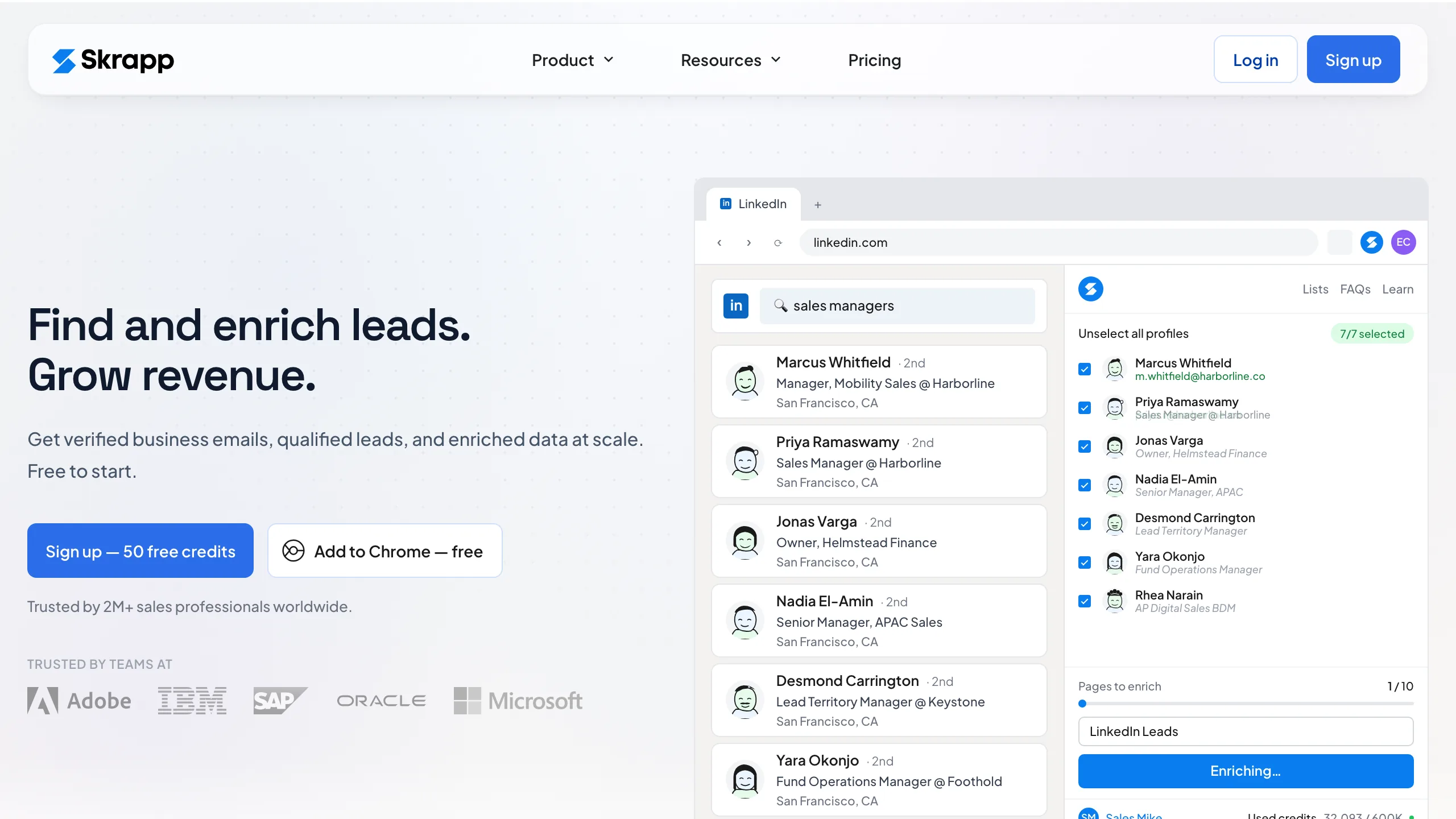
Skrapp is a LinkedIn tool first and an API second, and the product reflects that: the extension pulls addresses while you browse Sales Navigator, and bulk work happens through lists rather than endpoints. Pricing is $39 a month for 1,000 credits, or $30 on annual billing, with 329 G2 reviews at 4.5 behind it. The catch for developers is that API access sits on the higher plans, so the entry tier is not the one you would build on.
Key features
- checkLinkedIn and Sales Navigator extension the primary workflow, with the database behind it.
- checkCompany domain search finds the pattern and known addresses for a company.
- check329 G2 reviews at 4.5 a large verified base for a tool this size.
- checkEmail verifier included alongside the finder in the same account.
Pros
- addMature LinkedIn workflow
- addLarge verified review base
- addAnnual billing at $30 a month
Cons
- removeAPI access only on higher plans
- removeNo standing free tier
- removeAround $39 per 1,000 credits
The honest read
Pick it for the extension, not for the endpoint. If your pipeline is people browsing LinkedIn, it is among the best here; if it is a nightly job, the API gate at higher tiers makes it an expensive way in.
Voila Norbert
Simple finder, long track record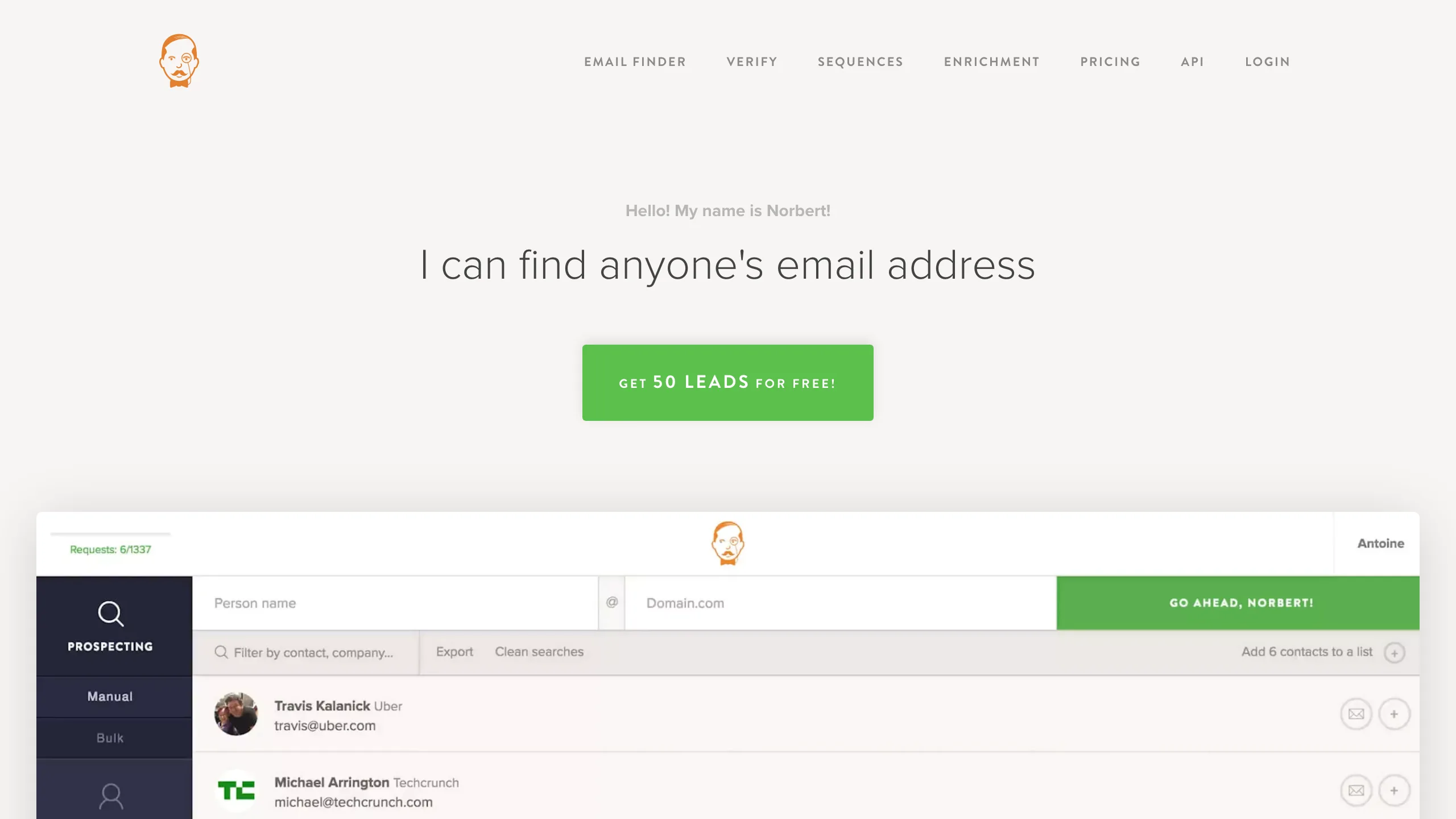
One of the older names in this category, Voila Norbert does the core job without much around it: name and company in, address out, with verification and a bulk uploader alongside. Pricing runs from $49 a month for 1,000 credits on Valet, $39 on annual billing, and 91 G2 reviews at 4.6 suggest people who buy it keep it. The API is available across the prospecting plans, and there is a WordPress and Zapier layer for teams who would rather not write code.
Key features
- checkSingle and bulk finding CSV upload alongside the API for non-technical users.
- checkVerification available priced separately from the finding credits.
- checkZapier and WordPress integrations for workflows without a developer.
- check4.6 on G2 across 91 reviews steady, long-standing feedback.
Pros
- addStraightforward product with no bundle
- addWell rated over a long period
- addAPI across prospecting plans
Cons
- removeAround $49 per 1,000 credits
- removeFree tier is 50 leads once
- removeFewer endpoints than newer rivals
The honest read
A dependable, unexciting choice at a price the newer vendors have undercut. Reasonable if you value longevity; hard to justify on unit economics alone.
Which one fits your situation
Match the row to the job, not the vendor with the biggest database claim.
| If this is you | Start here |
|---|---|
| You are enriching a list where half the rows will fail | Pay only for hits. Mailsfinder charges 3 credits on a found address and nothing on a miss; Anymailfinder charges only for verified results too, at a much higher unit price. |
| You need the cheapest cost per address at volume | Mailsfinder at roughly $0.40 per 1,000 found addresses on the $9.99 Starter plan is well below the rest of this page. Test coverage on your own rows first, because a cheap miss is still a miss. |
| You are a European team with a GDPR review to pass | Dropcontact stores no contact database and rebuilds addresses on request, which is the shortest path through a data-protection questionnaire. It is priced in euros from €29 a month for 500 credits. |
| You want one vendor for finding and verifying | Mailsfinder shares one credit pool across both at 3 credits to find and 1 to verify. Hunter does both too, with verification credits sold separately from search credits. |
| Your pipeline starts from LinkedIn rather than a CSV | Skrapp.io and GetProspect are built around LinkedIn workflows with extensions feeding the API. Note that Skrapp puts API access on its higher plans. |
| You want the best-documented API and do not mind paying for it | Hunter has the clearest docs, client libraries in most languages and 634 G2 reviews behind it, at roughly $24.50 per 1,000 found addresses on the $49 Starter plan. |
Five ways finder API budgets go wrong
All of these come from the same place: treating a credit as if it were an address.
Comparing plan prices instead of cost per address
$9.99 for 75,000 credits and $49 for 2,000 searches are not comparable until you know what a credit buys. One is 15,000 found addresses, the other is 2,000 searches that may or may not find anything.
Forgetting that misses are usually billed
If a vendor charges per search and you find 60 percent, your real cost per address is 1.67 times the sticker. Apply your own hit rate before you sign anything.
Trusting a published coverage number
Every vendor measured coverage on a different list, usually one that suits them. Run 200 of your own rows through each free tier and compare like for like. It takes an afternoon and it is the only number that matters.
Treating a catch-all result as a found address
On a catch-all domain no finder can confirm the mailbox, so a returned address there is a pattern guess with a confidence attached. Route those separately rather than dropping them into a campaign.
Skipping verification because the finder says verified
Vendors mean different things by verified. Some ran an SMTP check this minute, some are quoting a database field from last year. If deliverability matters, verify before the send regardless of what the finder returned.
Category picks
Lowest cost per found address
Mailsfinder works out around $0.40 per 1,000 found addresses on the $9.99 Starter plan, charges nothing for misses, and verifies from the same balance.
Best documented API
Hunter pairs the most familiar finder API with client libraries in most languages, from $49 a month for 2,000 searches.
GDPR-first enrichment
Dropcontact keeps no contact database and rebuilds each address on request, from €29 a month for 500 credits.
Only pay for verified results
Anymailfinder charges only when it returns a verified address, though its smallest subscription tier is 400 credits a month and it does not publish a USD rate to our region.
LinkedIn-led prospecting
Skrapp.io builds around LinkedIn and Sales Navigator workflows from $39 a month for 1,000 credits, with API access on the higher plans.
Free tier you can develop against
GetProspect includes API access on the free plan with 50 valid emails a month, which is rare at this price point.
What you actually pay
The same nine vendors at their entry tier, priced per 1,000 found addresses. Where a vendor charges a credit whether or not an address comes back, divide your own hit rate into the figure to get the number you will actually pay.
| Tool | Free plan | Entry price | What the entry price buys | Cost per 1,000 found, best plan |
|---|---|---|---|---|
| Mailsfinder | 100 credits a day, API included | $9.99/mo | 75,000 credits, 3 per found address | ~$0.4 |
| Hunter | 50 credits a month | $49/mo (Starter) | 2,000 searches a month | ~$24.50 |
| Snov.io | 50 credits and 100 recipients a month | $39/mo (Starter) | 1,000 credits plus 5,000 email recipients | ~$39.00 |
| Anymailfinder | 7-day trial | Smallest tier is 400 credits a month | 400 credits a month at the entry tier | Not in USD |
| Tomba | Trial credits on signup | $89/mo Growth | 10,000 credits, finder plus verification | ~$8.90 |
| Dropcontact | No standing free tier | EUR 29/mo (Starter) | 500 credits a month | ~$58.00 |
| GetProspect | 50 valid emails a month, API included | $49/mo ($34 annual) | 1,000 valid emails plus 2,000 verifications | ~$49.00 |
| Findymail | 10 credits, one-time trial | $99/mo (Starter) | 5,000 finder plus 5,000 verifier credits | ~$19.80 |
| Skrapp.io | 50 credits, one time | $39/mo ($29 annual) | 2,000 credits a month, 2 users | ~$19.50 |
| Voila Norbert | 50 free leads on signup | $49/mo (Valet) | 1,000 credits a month | ~$49.00 |