
Free Reverse Email Lookup Tools We Tested in 2026
Thirteen tools split across B2B professional lookup, no-signup web lookups, consumer people-search, breach checking, and reputation scoring. We ran the same 50-address seed list through each, checked what actually comes back on the free tier, and cross-referenced every claim.
lightbulb Key takeaways
- arrow_rightNo single free tool covers every reverse-lookup use case. Split by intent: Mailsfinder, Hunter, and Snov.io for B2B professional context; ThatsThem for US consumer people-search; HaveIBeenPwned and EmailRep.io for breach and reputation signals.
- arrow_rightCombined free tiers across the 8 tools give you roughly 5,000+ free lookups per month if you route each email to the right tool.
- arrow_rightOnly HaveIBeenPwned, ThatsThem, and EmailRep.io are truly unlimited-free. Everything else has a monthly or daily cap.
- arrow_rightFor B2B lookups, Mailsfinder gives the highest free daily quota at 100 credits per day (3,000 per month) with API access on the free tier.
- arrow_rightFor consumer / personal Gmail lookups, ThatsThem is the strongest free option in the US. Coverage drops off sharply outside the US.
- arrow_rightIf your goal is fraud detection or risk scoring rather than identifying a person, EmailRep.io and HaveIBeenPwned give you signals no B2B tool can match.
- arrow_rightIf you want an answer without creating an account, Mailmeteor, Cleanlist, Gravatar, ThatsThem, and HaveIBeenPwned all run a lookup straight from the page with no sign-up and no card.
- arrow_rightA work address and a personal Gmail are two different jobs. Corporate domains resolve to a name and employer in seconds; @gmail.com, @outlook.com, and @yahoo.com addresses only resolve when the owner left a public footprint, which is why Gravatar, EmailRep.io, and ThatsThem matter more than any B2B database there. We cover that case in reverse lookup on a personal address.
- arrow_rightNo free tool returns everything. Mailmeteor and ContactOut are strongest on professional identity, Cleanlist and Gravatar on public signals with zero friction, Reverse Contact on structured output you can pipe into a CRM.
- arrow_rightEvery tool listed has an API. If you build workflows in n8n, Make, or Zapier, you can chain 3-4 free tiers together into a single enrichment pipeline.
Jump to a Tool
What is a reverse email lookup?
A reverse email lookup starts with an email address and returns information about the person or organisation behind it. A normal email finder runs the other way: you give it a name and a company, and it gives you the address. Reverse lookup is the inbound version, used when an address lands in your inbox, your CRM, or a signup form and you need to know who sent it.
Professional identity
Full name, current employer, job title, seniority, location, and a LinkedIn profile. A B2B database returns exactly this, and it is the most reliable of the three because corporate domains are public and employment data is openly published.
Public footprint
A Gravatar photo and bio, linked accounts on GitHub, X, WordPress or Spotify, personal sites, and any page where the address appears in public. Coverage here depends entirely on how much the owner has published under that address.
Risk signals
Breach history, disposable-domain flags, spam-list membership, mailbox deliverability, and a reputation score. Fraud and support teams often want only this slice, and it is the one case where a lookup is useful even when no name comes back.
Run one lookup right now
If you only have one address to check, you do not need to read this whole page. Paste it into our free reverse email lookup tool and see what comes back. No account, no card. If the address turns out to be one you want to mail, run it through the free email verifier before you send.
How we tested these tools
We ran the same 50-address seed list through every tool, mixing B2B professional emails, personal Gmail addresses, and known-breached emails. Every free tier was signed up for and tested, and the no-signup tools were run straight from their own pages.
Same seed list
50 emails mixing B2B, personal Gmail, and known-breached addresses.
Data returned
Name, company, social profiles, breach history, reputation score.
Free tier size
Real monthly quota, not trial-only. Trial credits noted separately.
API on free
Does the free tier include an API key or only manual lookups?
Master comparison table
| Rank | Tool | Free tier | Returns | API on free | Best for | Rating |
|---|---|---|---|---|---|---|
| #1 | Mailsfinder | 100/day (3,000/mo) | Name, company, valid/invalid | check_circle | B2B professional lookup | New on G2 |
| #2 | Hunter Email Verifier | 25/mo | Name (if in DB), status, source | check_circle | B2B name + source | 4.4 (G2) ★ |
| #3 | EmailRep.io | Unlimited (web) | Reputation, social profiles, risk | radio_button_partial | Reputation + social | Free product |
| #4 | HaveIBeenPwned | Unlimited | Data breaches (dates + sources) | radio_button_partial | Breach history | Free product |
| #5 | ThatsThem | Unlimited (web) | Name, US address, phone (public) | cancel | US consumer lookup | Free product |
| #6 | Snov.io | 50/mo | Name, company, verification | cancel | B2B + campaigns bundle | 4.5 (G2) ★ |
| #7 | Anymailfinder | 100 trial (7-day) | Name, company, deliverability | check_circle | Trial-based B2B lookup | 3.4 (G2) ★ |
| #8 | Reoon Email Verifier | 20/day (600/mo) | Deliverability, catch-all flag | check_circle | Deliverability sanity check | 4.8 (G2) ★ |
| #9 | Mailmeteor | Unlimited, no sign-up | Name, title, company, socials | cancel | A single instant lookup | Not on G2 |
| #10 | ContactOut | 5/day after sign-up | Name, title, employer, LinkedIn | cancel | Recruiting and candidate checks | 4.4 (G2) ★ |
| #11 | Cleanlist | 25/day per IP, no sign-up | MX, Gravatar, company domain | cancel | Honest public-signal checks | Not on G2 |
| #12 | Gravatar | 100 req/hr (1,000 with key) | Name, photo, bio, linked accounts | check_circle | Personal addresses with a footprint | Not on G2 |
| #13 | Reverse Contact | 100 trial credits (50 lookups) | Full structured B2B profile | check_circle | Piping lookups into a CRM | Not on G2 |
Rank is a table position, not a promotional order. Every tool below is reviewed with the same card format.
What do you need to find out?
Pick the data type. We'll recommend the primary tool plus a backup for cross-referencing.
Returns first name, last name, company, and job-title inference when the email is in the B2B database. 100 free credits per day with API access on the free tier.
Read the full review →Returns name plus source URLs where Hunter first observed the address. Free 25 verifications per month plus API access.
Read the full review →What each tool actually returns
Green means the tool returns this data type on its free tier. Amber means paid tier only. Grey means not returned.
| Tool | Name | Company | Social profiles | Breach history | US address | Deliverability | Reputation score |
|---|---|---|---|---|---|---|---|
| Mailsfinder | 🟢 | 🟢 | ⬜ | ⬜ | ⬜ | 🟢 | ⬜ |
| Hunter Email Verifier | 🟢 | 🟢 | ⬜ | ⬜ | ⬜ | 🟢 | ⬜ |
| EmailRep.io | ⬜ | ⬜ | 🟢 | 🟢 | ⬜ | ⬜ | 🟢 |
| HaveIBeenPwned | ⬜ | ⬜ | ⬜ | 🟢 | ⬜ | ⬜ | ⬜ |
| ThatsThem | 🟢 | ⬜ | ⬜ | ⬜ | 🟢 | ⬜ | ⬜ |
| Snov.io | 🟢 | 🟢 | ⬜ | ⬜ | ⬜ | 🟢 | ⬜ |
| Anymailfinder | 🟡 | 🟡 | ⬜ | ⬜ | ⬜ | 🟡 | ⬜ |
| Reoon | ⬜ | ⬜ | ⬜ | ⬜ | ⬜ | 🟢 | ⬜ |
| Mailmeteor | 🟢 | 🟢 | 🟢 | ⬜ | ⬜ | ⬜ | ⬜ |
| ContactOut | 🟢 | 🟢 | 🟢 | ⬜ | ⬜ | 🟡 | ⬜ |
| Cleanlist | 🟢 | 🟢 | 🟢 | ⬜ | ⬜ | 🟢 | ⬜ |
| Gravatar | 🟢 | 🟢 | 🟢 | ⬜ | ⬜ | ⬜ | ⬜ |
| Reverse Contact | 🟢 | 🟢 | 🟢 | ⬜ | ⬜ | ⬜ | ⬜ |
Paid people-search tools like BeenVerified ($27/mo), Spokeo ($20/mo), and TruthFinder ($28/mo) return similar consumer records to ThatsThem plus deeper history (marriage, arrests). They use the same underlying public-record source data.
How reverse email lookup actually works
No tool holds a master index of every email address on earth. Each one queries a different set of public sources and returns whatever that set happens to know. Once you know which layer a tool reads, its results stop looking random and you can predict in advance whether it will find anything.
The domain, read from DNS
Everything after the @ is public. MX records say whether the domain accepts mail at all and who runs it, Google Workspace or Microsoft 365 or a custom host. WHOIS and the domain's own website say which company owns it. The layer costs nothing, never fails, and works on every address, which is why a tool can tell you the employer even when it has never seen the mailbox before.
A professional database, matched on the full address
B2B providers hold hundreds of millions of work profiles built from published company pages, professional networks, and contributed data. A hit returns a name, a title, and an employer with a confidence score attached. A miss returns nothing, and the honest tools say so rather than guessing a name from the local part of the address. Mailsfinder, ContactOut, Snov.io, and Reverse Contact all read this layer.
Hashed public profiles
Some services are queried by a hash of the address rather than the address itself. Gravatar is the clearest example: hash an email with SHA-256, request that hash from its profiles API, and you get back whatever the owner chose to publish, which can include a photo, a job title, a company, and verified accounts on other platforms. The owner opted in, so nothing here is scraped. It also means the layer only covers people who signed up, which skews heavily towards developers and WordPress users.
Breach corpora and reputation lists
HaveIBeenPwned indexes the actual contents of published breaches, so a match there is close to certain rather than probabilistic. Reputation services like EmailRep.io layer on spam-list membership, disposable-domain detection, and account-age signals. Neither layer tells you who someone is. Both tell you whether an address is worth trusting, which is often the real question.
Chain the layers and the hit rate climbs. A single work address run through layers one and two usually resolves. A personal address usually needs three and four, and sometimes resolves to nothing at all, which is a legitimate answer rather than a tool failure.
Will the free tiers cover you?
Tell us how many reverse lookups you need per month. We'll show which tools' free tiers cover your volume, and what the cheapest paid tier would cost if you outgrow them.
| Tool | Free tier limit | Covers your volume? | If not, cheapest paid |
|---|
1. Mailsfinder
B2B email finder + verifier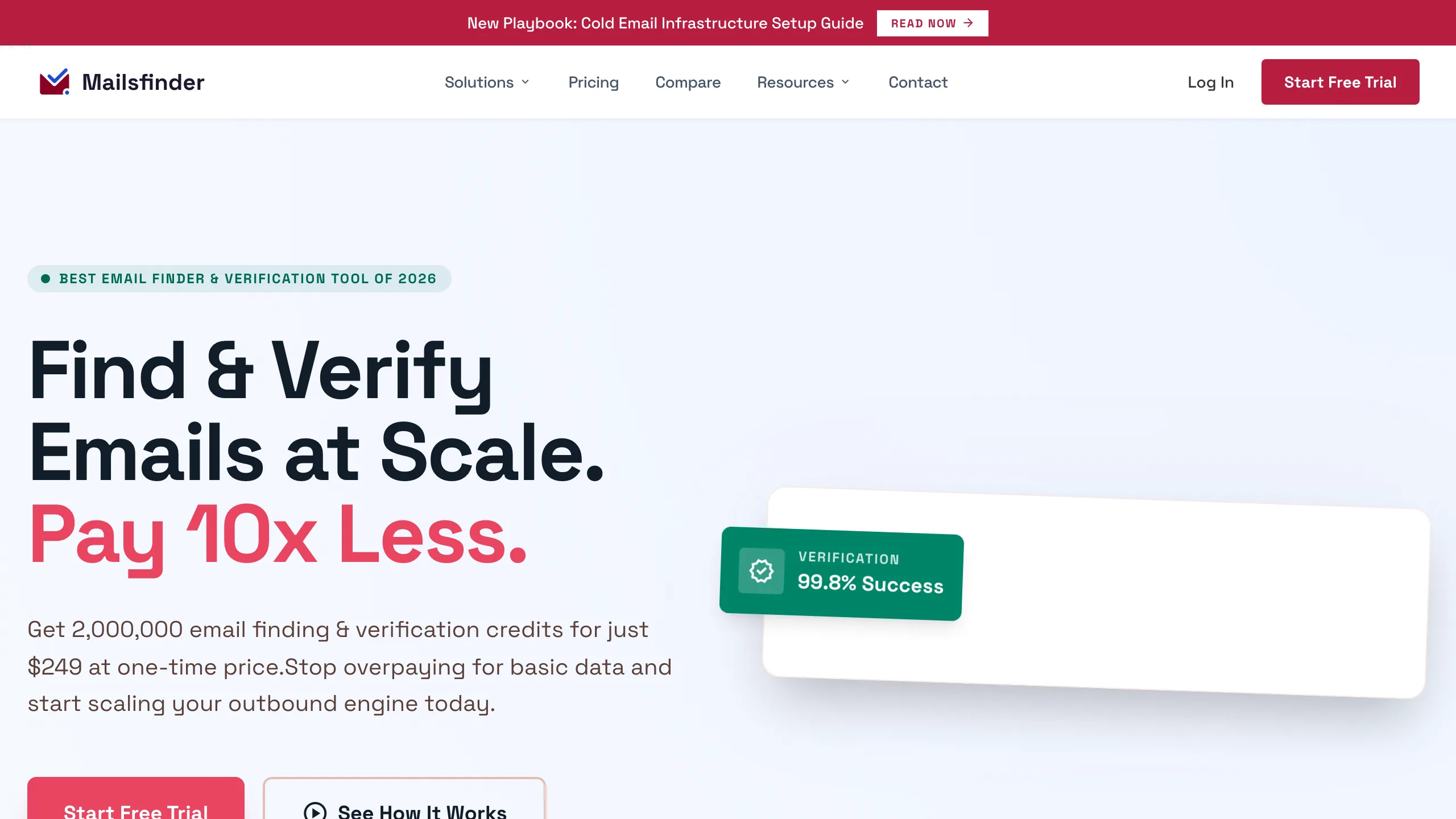
Mailsfinder gives the largest free daily quota of any B2B tool tested. The free tier is 100 credits per day (3,000 per month) with API access included, which is unusual at this price point. On reverse lookup, you get back the person's name, company, job title inference, and verification status when the address is in Mailsfinder's B2B database. Personal Gmail addresses return verification data but not owner identity, since Mailsfinder is a professional data tool by design.
Key features
100 free credits per day, forever
REST API on the free tier
Returns name, company, verification status
Upgrades to $9.99/mo for 75,000 credits
Pros
- check_circleHighest free daily quota tested
- check_circleAPI on the free plan
- check_circleCheap upgrade path if you scale
Cons
- cancelWeak on personal Gmail lookups
- cancelNo Chrome extension yet
- cancelNewer platform, smaller G2 base
"We route all B2B enrichment through the free tier and only pay for bulk finder jobs. The 100/day quota renews at midnight, which is more generous than any competitor free plan we tried."
-- SDR ops lead, B2B SaaS via product feedback
2. Hunter Email Verifier
B2B lookup + verification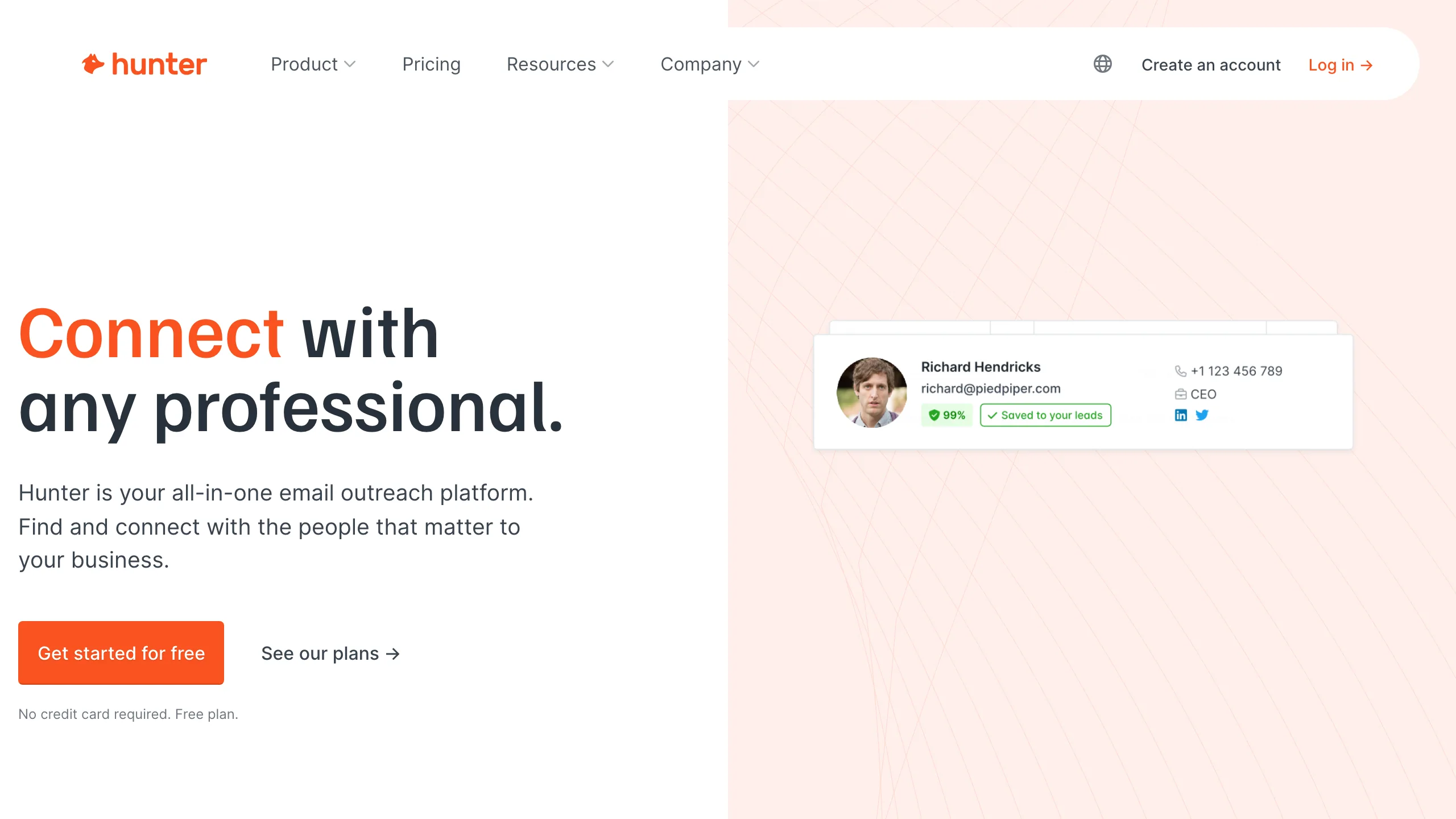
Hunter's Email Verifier is the household-name option for B2B reverse lookup. The free tier gives you 25 verifications per month (renewed on the calendar month) plus API access. On lookup you get the address's status, source URLs where Hunter first saw it, and the person's name when it's in Hunter's crawl data. Hunter is strongest on professional business emails and is unusually good at surfacing where an email was scraped from (LinkedIn, GitHub, personal blogs).
Key features
25 free verifications per month
Source URLs for where email was found
Chrome extension for LinkedIn lookups
API access on the free tier
Pros
- check_circleEstablished B2B data brand
- check_circleSource URLs are rare and useful
- check_circleChrome extension bundled free
Cons
- cancelOnly 25 free per month is small
- cancelPaid plans start at $49/mo
- cancelWeak on personal Gmail addresses
"Free tier covers our weekly prospect check. The source URLs field is what keeps us using Hunter over cheaper competitors."
-- Growth marketer via G2
3. EmailRep.io
Reputation + social profiles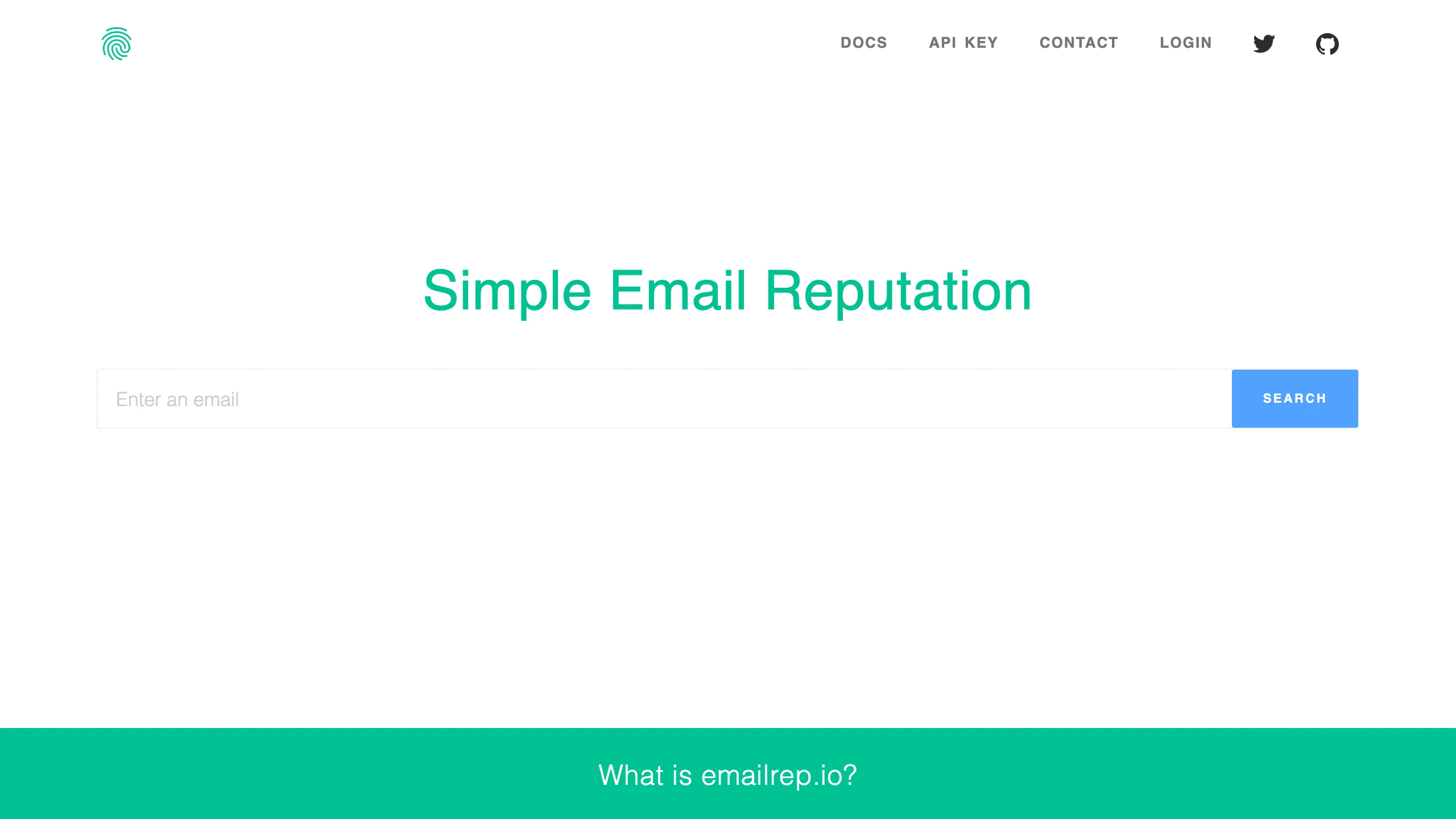
EmailRep.io is unlike anything else on this list. Instead of returning a name, it returns a reputation score (0-100) plus a list of every social profile linked to the email: LinkedIn, GitHub, Twitter, Gravatar, Spotify, Airbnb, and dozens more. Free web lookups are effectively unlimited. It is the fastest way to check whether an unfamiliar email belongs to a real person with a public digital footprint, which is why fraud teams and security researchers lean on it heavily.
Key features
Reputation score 0-100 per email
Social profiles across 50+ services
Unlimited manual web lookups
API access requires signup (still free)
Pros
- check_circleSocial footprint no B2B tool matches
- check_circleUnlimited free web lookups
- check_circleGreat for fraud and security use cases
Cons
- cancelNo name returned directly
- cancelAPI rate limits are strict on free
- cancelUI is very bare, developer-focused
"Every fraud analyst on our team has emailrep.io bookmarked. Faster than any paid enrichment vendor for the specific job of 'does this email belong to a real person'."
-- Trust and safety analyst via product feedback
4. Have I Been Pwned
Data breach lookup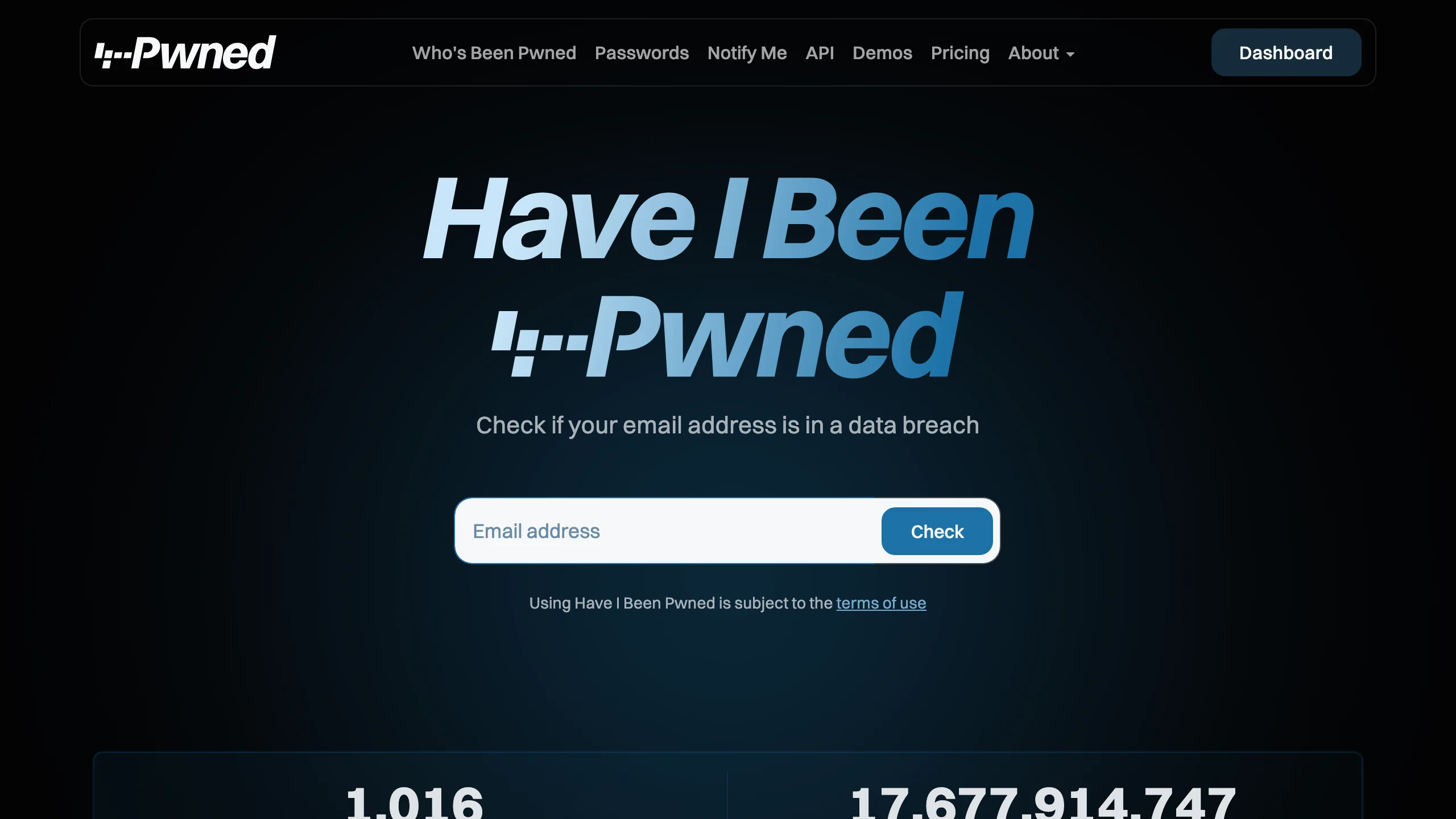
HaveIBeenPwned is the definitive free source for data-breach history on an email. It answers a specific but critical question: "has this email address appeared in any of the known 1,000+ major data breaches?" Manual lookups are unlimited on the website. Structured API access requires a $3.95/month subscription, which is still one of the cheapest per-request enrichment services in existence. Every trust-and-safety team we spoke to considers it non-negotiable in their stack.
Key features
1,000+ breach dataset going back years
Unlimited manual web lookups
Notify Me email alerts for future breaches
$3.95/mo unlocks the API
Pros
- check_circleAuthoritative breach dataset
- check_circleTrusted by governments and CERTs
- check_circleAPI pricing is a rounding error
Cons
- cancelOnly tells you breach history
- cancelNo name, phone, or social data
- cancelAPI needs a paid subscription
"Absolute default tool. Every account signup at our company runs through HIBP for risk scoring. Cheapest fraud signal money can buy."
-- Fraud engineer via product feedback
5. ThatsThem
US consumer people-search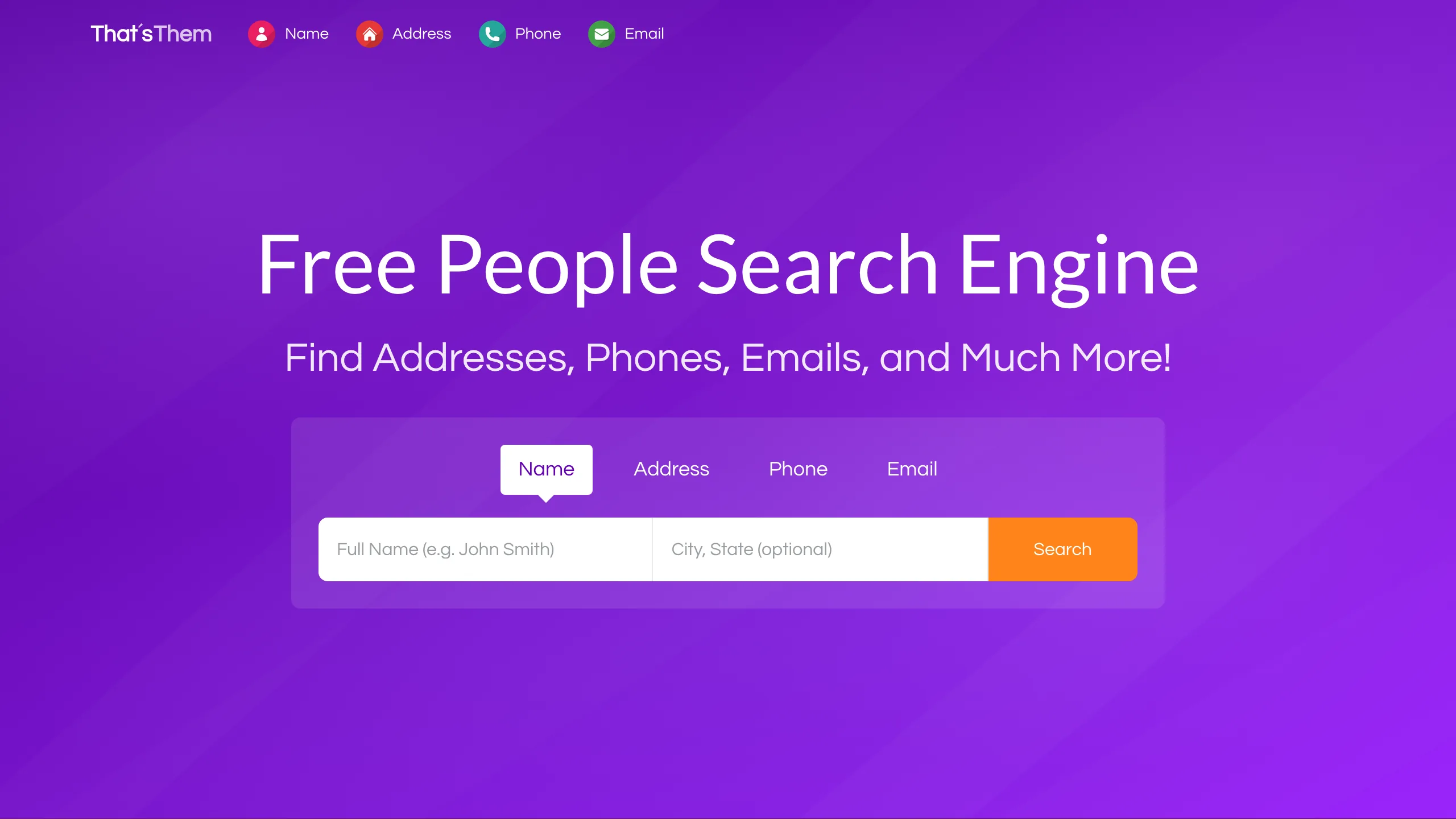
ThatsThem is a free consumer-grade people-search focused on the United States. Enter an email and it returns the person's name, physical address, phone number, and household demographics when the address matches public records. Coverage is strong for older personal emails tied to home addresses and weaker for Gen-Z Gmail accounts. It has no API and no signup required, which makes it both refreshingly simple and legally questionable for automated use in GDPR jurisdictions.
Key features
Free, no signup required
Returns name + address + phone (US)
Search by name, address, phone, or email
Public records opt-out available
Pros
- check_circleStrongest US consumer coverage on free
- check_circleNo signup, instant results
- check_circleMulti-signal search input
Cons
- cancelUS-only useful coverage
- cancelNo API, no bulk lookups
- cancelData may not be lawful under GDPR
"Only tool that consistently returns anything on personal Gmail. Great for one-off customer support triage, not something we'd build a workflow on."
-- Customer support lead via product feedback
6. Snov.io
B2B lookup + email campaigns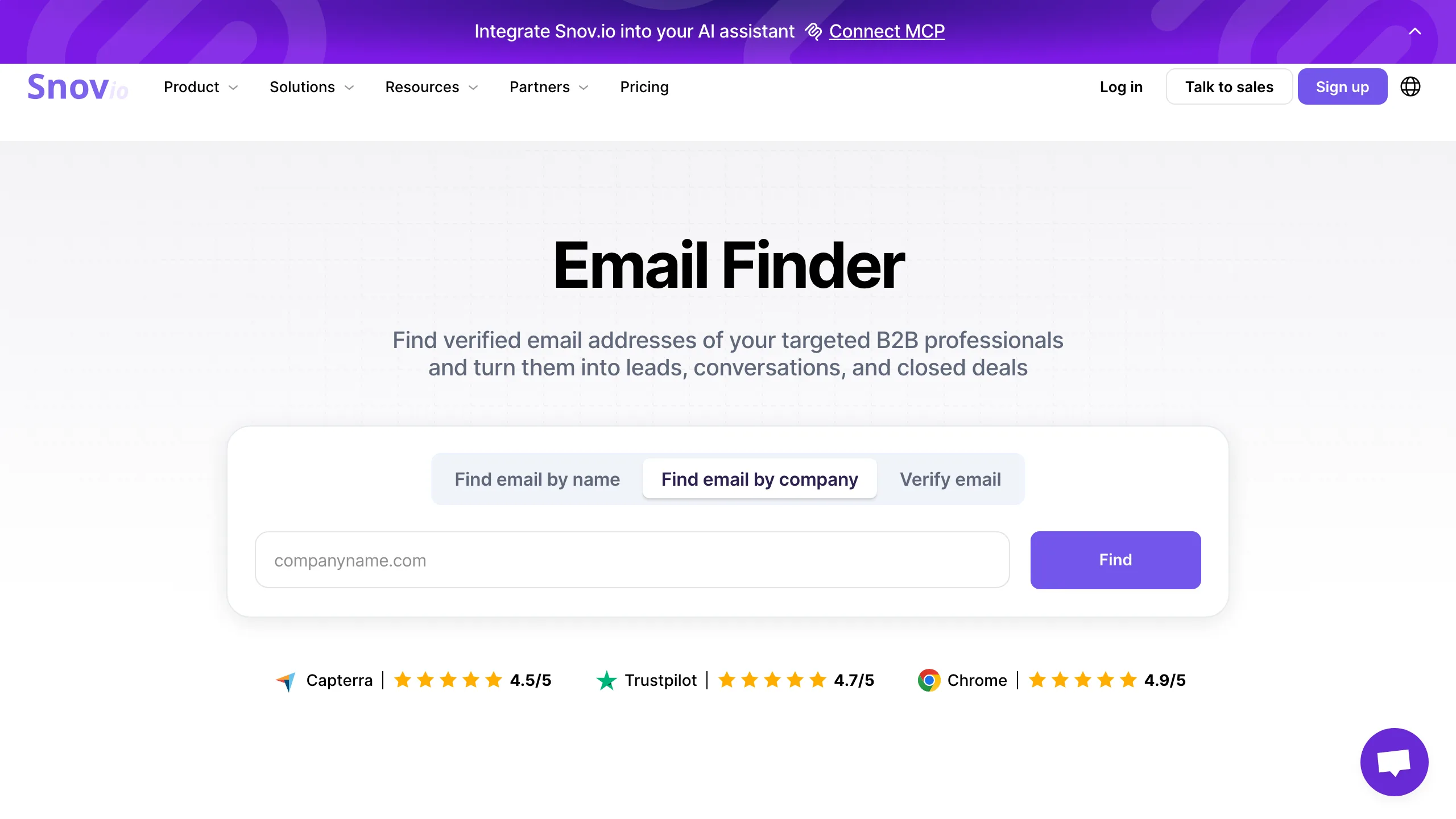
Snov.io bundles B2B lookup with drip email campaigns, which makes it interesting for sellers who want a single subscription for both prospecting and outreach. The free tier gives 50 renewable credits per month plus 100 email recipients per month for campaigns. On reverse lookup, Snov returns the person's name, company, and verification status. It's a mid-tier data provider that trades a smaller B2B database for a broader feature surface.
Key features
50 free credits per month (renews)
Drip email campaigns bundled
Chrome extension for LinkedIn
Native integrations with HubSpot, Pipedrive
Pros
- check_circleFree tier renews monthly
- check_circleLookup + outreach in one tool
- check_circleExtensive CRM integrations
Cons
- cancelNo API access on free plan
- cancelSmaller B2B database than Hunter
- cancelPaid plans jump to $39/mo
"We use the free tier for weekly enrichment plus 100-recipient monthly campaigns. It's basically a free cold email sender if you're small."
-- Solo founder via G2
7. Anymailfinder
B2B email finder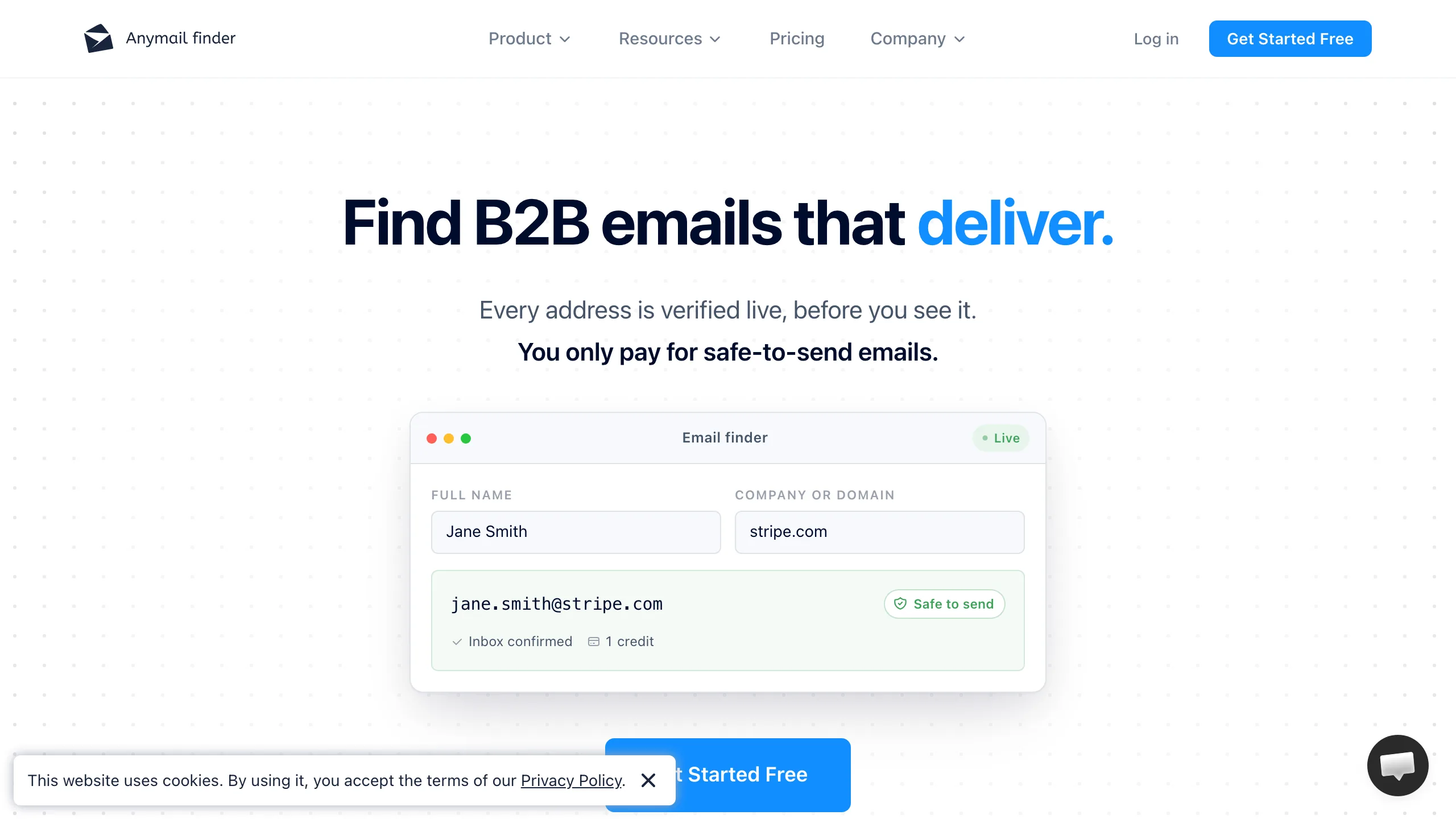
Anymailfinder is an affordable B2B tool with a "pay only for verified emails" promise. The free tier is actually a 7-day trial with 100 credits, then paid plans start at $14/month. On reverse lookup, Anymailfinder returns name, company, and deliverability status. It sits in the middle of the B2B category: cheaper than Hunter, less generous than Mailsfinder on free credits, but with a decent API on every paid plan and a strong 97%+ verified guarantee.
Key features
100 credits trial (7 days)
Pay only for verified emails
Paid plans from $14/mo (50 credits)
Zapier, Make.com, Google Sheets integrations
Pros
- check_circleCheapest paid entry at $14/mo
- check_circleVerified-only credit model
- check_circleFast support responses
Cons
- cancelFree is 7-day trial, not ongoing
- cancelStarter plan only 50 credits/mo
- cancelSmaller B2B database than Hunter
"The verified-only credit model made pricing predictable. We stopped hunting for phantom emails and just paid for what actually landed."
-- Outbound consultant via G2
8. Reoon Email Verifier
Deliverability verification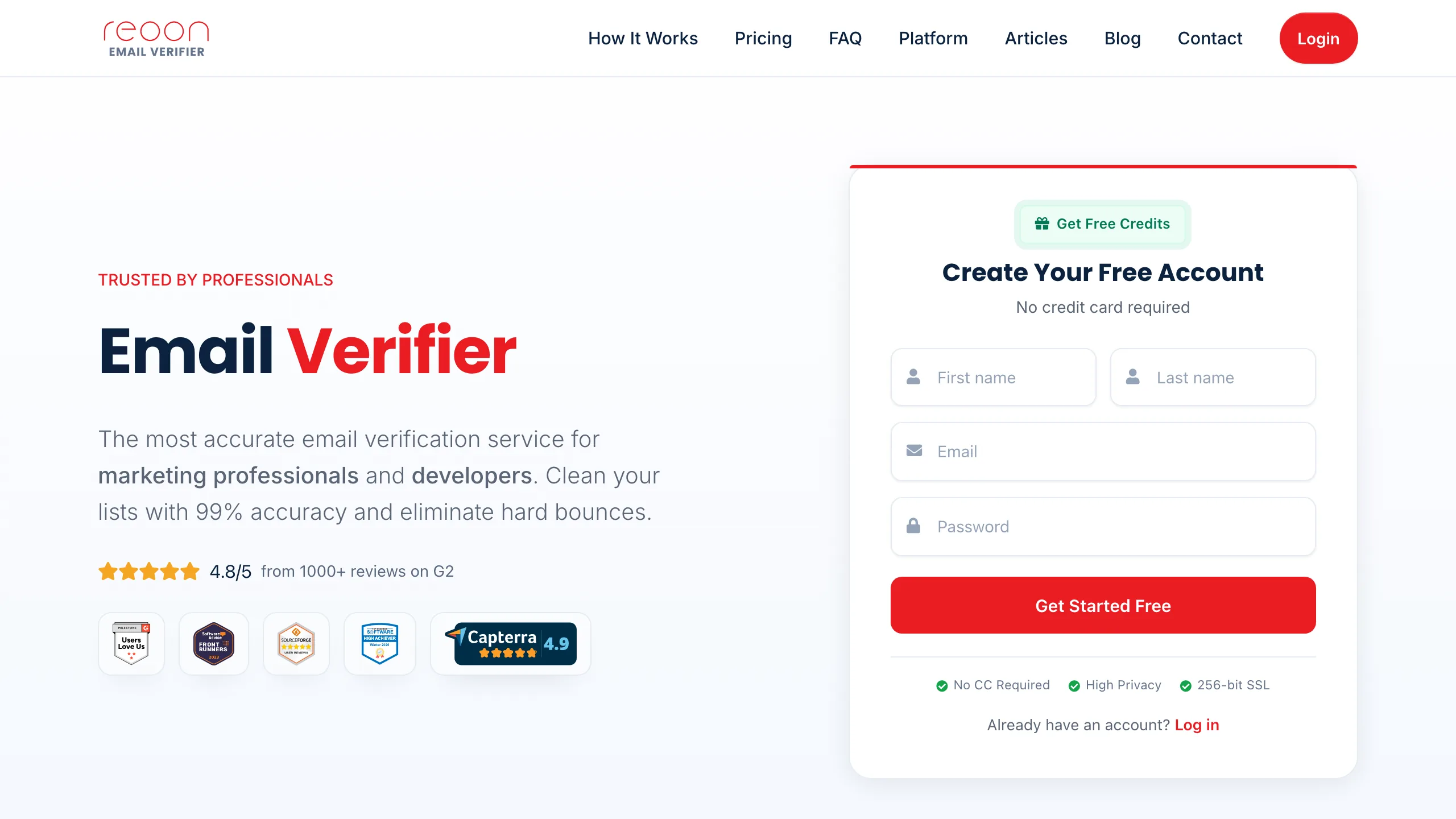
Reoon is included here for the specific reverse-lookup slice of "is this email real and does it belong to a real mailbox". The free tier gives 20 credits per day (about 600 per month) forever, plus an API key on every plan. Reoon does not return names or social profiles: it returns deliverability status, catch-all flag, disposable-domain flag, and role-account flag. Used alongside Mailsfinder or Hunter, it's the sanity check that stops you from acting on a stale or fake address.
Key features
20 free credits per day forever
Catch-all + disposable flags
API on the free plan
Make.com module and WordPress plugin
Pros
- check_circle4.8 average rating across G2
- check_circleBest-in-class free daily quota
- check_circleAPI on the free tier
Cons
- cancelNo name or person data
- cancelFewer native CRM integrations
- cancelUI is plain compared to premium tools
"Cheapest verifier that actually works. Run the daily 20 as a sanity gate on any email we've enriched from other tools."
-- Agency owner via G2
9. Mailmeteor Reverse Email Lookup
Free web lookup, no sign-up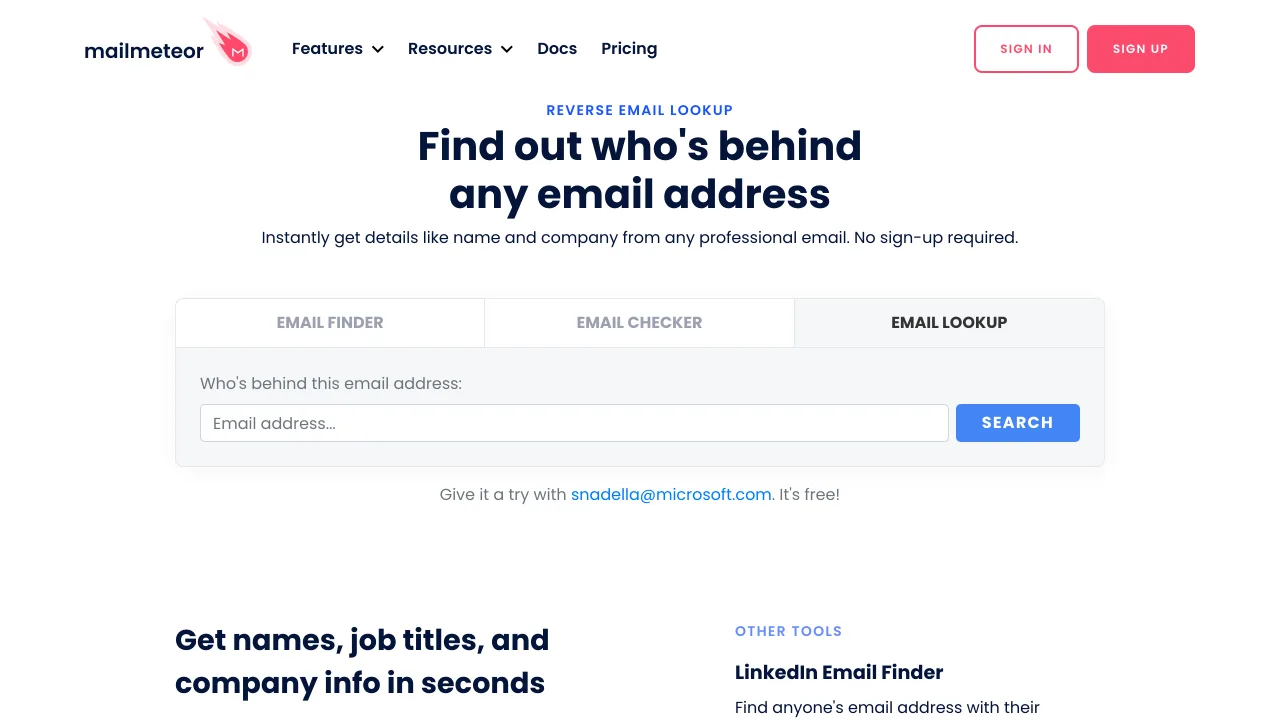
Mailmeteor built its reverse lookup as a standalone page rather than a product feature, which is why it answers faster than anything else here: paste an address, press search, read the result. There is no account, no credit card, and no credit counter. It runs OSINT-style collection across public professional sources in real time and returns a name, a current company and position, the company domain, and professional social profiles. Mailmeteor is upfront that it is tuned for corporate addresses and that Gmail or Yahoo addresses often come back thin, which matches what we saw on the seed list. For a single inbound address you want identified in ten seconds, it is the shortest path on this page.
Key features
No sign-up and no card, ever
Name, job title, company and domain
Professional social profiles including LinkedIn
Real-time collection rather than a stale cache
Pros
- check_circleFastest single lookup of any tool tested
- check_circleHonest about weak coverage on personal addresses
- check_circleSeparate free email checker for deliverability
Cons
- cancelNo API on the free lookup tool
- cancelOne address at a time, no CSV upload
- cancelResults thin on Gmail and Yahoo addresses
"Instantly get details like name and company from any professional email. No sign-up required."
-- Mailmeteor's own tool page
10. ContactOut Email Lookup
B2B professional lookup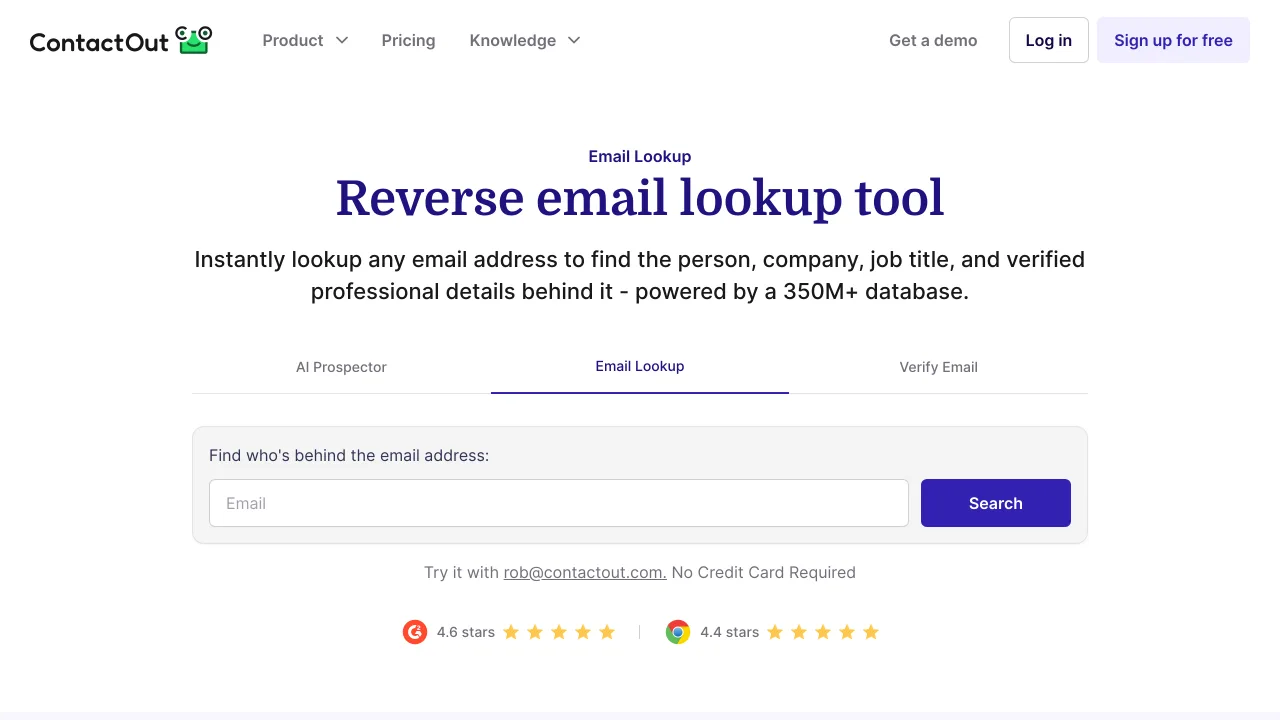
ContactOut comes at reverse lookup from the recruiting side, where the question is usually whether a candidate address belongs to the person you think it does. It matches against a professional database the company puts at 350 million-plus profiles and returns a full name, employer, job title, location, and LinkedIn profile, with phone numbers unlocked after sign-up. You get a handful of lookups straight from the page before the account wall appears, and the free plan then allows 5 emails, phones, or exports per day. Our research set puts it at 4.4 on G2 across 109 reviews, with support scored unusually high. Treat the free tier as a verification tool rather than a research budget.
Key features
350M+ professional profile database
Returns name, title, employer and LinkedIn
A few anonymous lookups before sign-up
ATS and CRM integrations including Greenhouse and Lever
Pros
- check_circleStrong match rate on corporate addresses
- check_circleSupport rated 9.6 out of 10 on G2
- check_circleFree plan renews daily rather than monthly
Cons
- cancelFree plan caps at 5 lookups per day
- cancelPhone numbers need a paid plan
- cancelBuilt around LinkedIn, weaker off-platform
"Reverse email lookup by ContactOut finds professional details from any email address."
-- ContactOut's own tool page
11. Cleanlist Free Reverse Email Lookup
Public-signal lookup, no sign-up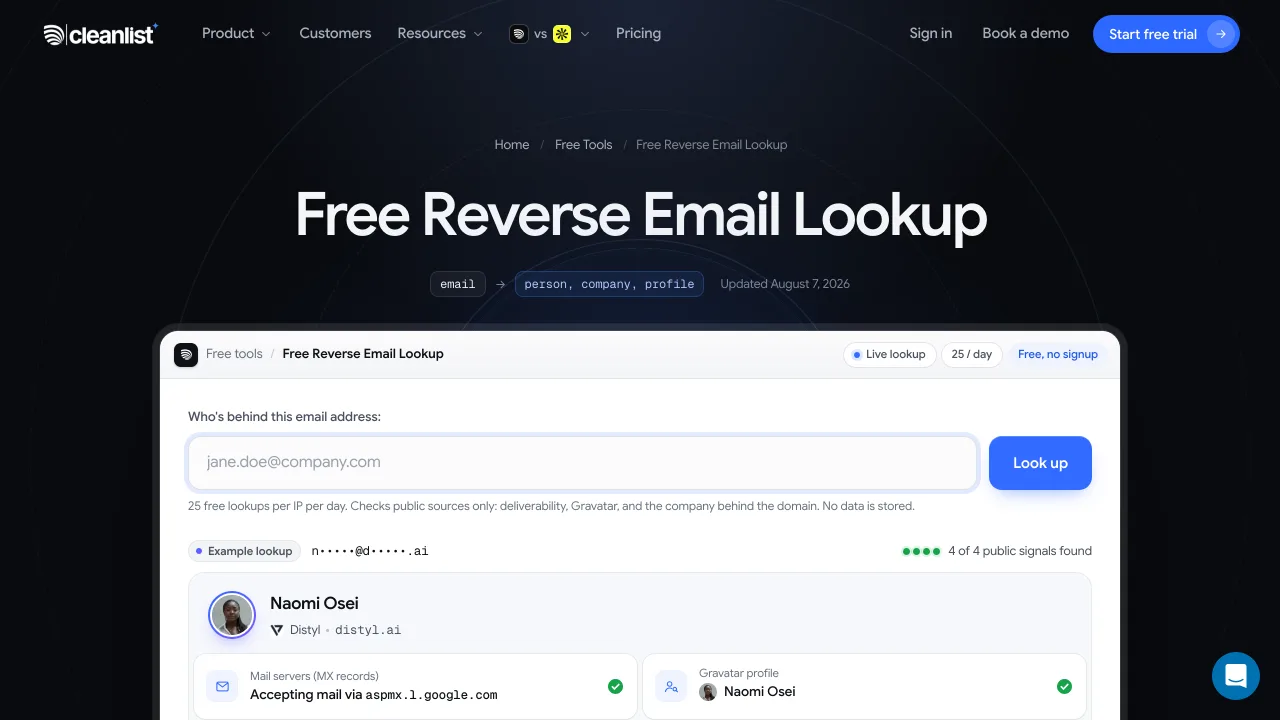
Cleanlist takes a deliberately narrow approach and is better for it. It makes no claim to a people database and reads only public signals, telling you exactly which ones it checked: the MX records that say whether the domain accepts mail, the Gravatar profile attached to the address, and the company that owns the domain. The result comes back as a set of signals found out of signals checked, which is a far more honest interface than a confident name with nothing behind it. The free tool allows 25 lookups per IP per day with no account, and Cleanlist states it does not store what you search.
Key features
25 free lookups per IP per day
No account and no card
Shows which public signals matched and which did not
MX, Gravatar and company-domain checks in one pass
Pros
- check_circleTransparent about where every field came from
- check_circleDoes not store the addresses you look up
- check_circleDeliverability and identity in a single result
Cons
- cancelNo proprietary people database
- cancelDaily cap is per IP, so shared networks hit it faster
- cancelNo API on the free tool
"25 free lookups per IP per day. Checks public sources only: deliverability, Gravatar, and the company behind the domain. No data is stored."
-- Cleanlist's own tool page
12. Gravatar
Opt-in public profile lookup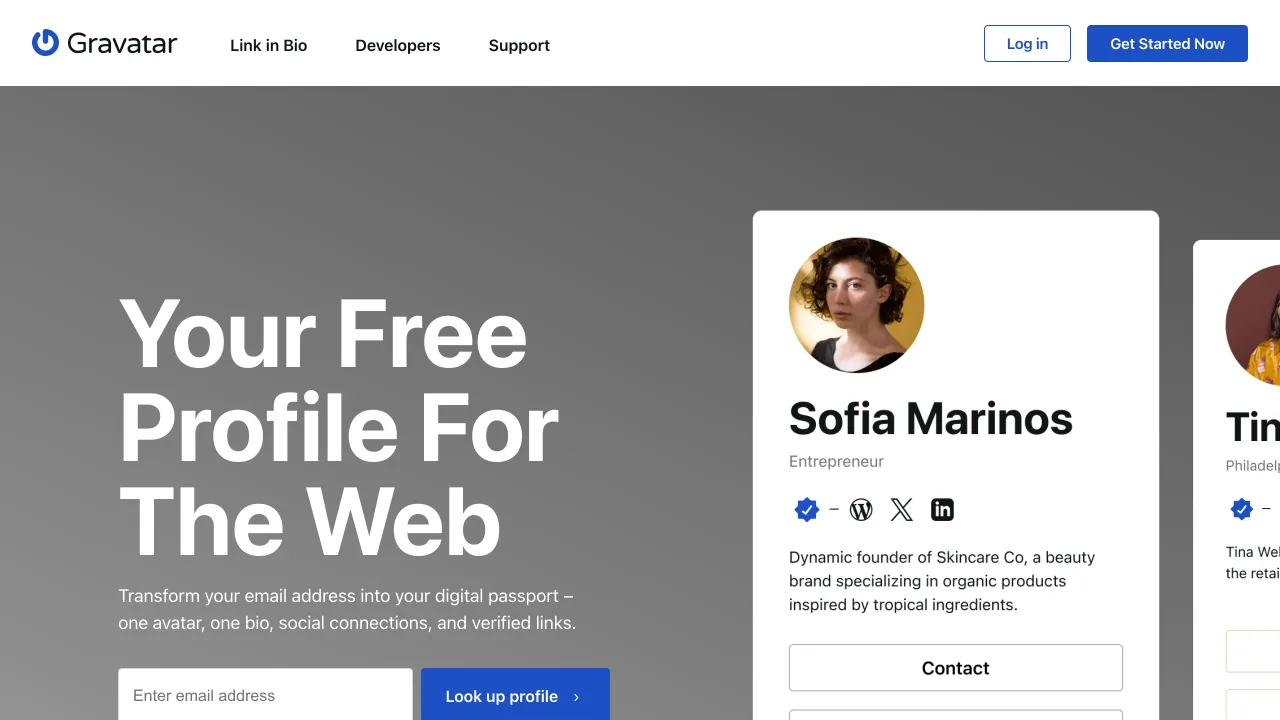
Gravatar is the one entry here that is not a lookup product at all, which is precisely why it works. People attach a photo and a bio to their email address so it follows them across WordPress, GitHub, and hundreds of other sites, and that profile is then readable by anyone holding the address. Hash the address with SHA-256, request it from the free profiles API, and you get back a display name, avatar, location, job title, company, bio, and up to four verified accounts on other platforms. Unauthenticated requests are capped at 100 per hour and a free API key raises that to 1,000, with higher limits available on request at no cost. Coverage is the catch: it only knows people who signed up, which skews towards developers and the WordPress world. When it hits on a personal Gmail address, though, nothing else on this page comes close.
Key features
Free profiles API, no paid tier
100 requests/hour anonymous, 1,000 with a free key
Name, photo, bio, job title, company and location
Verified accounts on other platforms
Pros
- check_circleThe owner opted in, so nothing here is scraped
- check_circleOften the only hit on a personal address
- check_circleLookup box on the homepage for one-off checks
Cons
- cancelOnly covers people with a Gravatar account
- cancelSkews heavily towards developers and WordPress users
- cancelContact details and links need an authenticated request
"Full profile information is available only in authenticated requests."
-- Gravatar developer documentation
13. Reverse Contact
Structured B2B enrichment API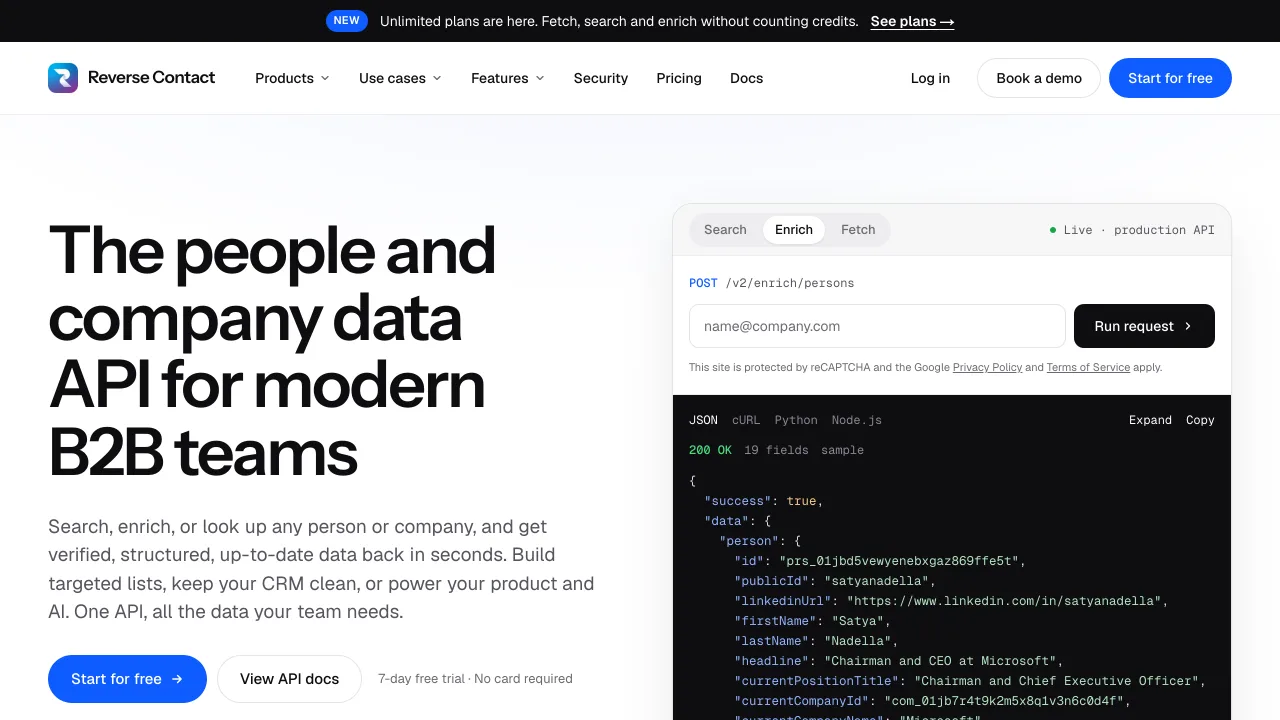
Reverse Contact is the choice when the lookup is not a one-off but a step inside something else. It takes an email, a name, or a domain and returns a structured B2B profile: identity, LinkedIn URL, current title, employer, work history, education, skills, seniority, and location, each response carrying a last-updated timestamp and a confidence score. The design decision worth noting is that a weak match returns null rather than a guess, and you can raise the precision threshold per request, which is the opposite of how most enrichment vendors behave. There is no consumer-facing free tool: you get 100 trial credits with no card, and a reverse lookup from an email costs 2 of them, so the trial is 50 lookups. Credit packs start at $100 and subscriptions at $249 per month.
Key features
Email, name or domain in, structured profile out
Confidence score and timestamp on every response
Returns null instead of guessing on a weak match
API, CSV upload, webhooks and MCP
Pros
- check_circleCleanest structured output of anything tested
- check_circleExplicit about match confidence
- check_circleGDPR and CCPA aligned with opt-out honoured
Cons
- cancelNo permanent free tier, only 100 trial credits
- cancelSubscriptions start at $249/mo
- cancelDeveloper-first, no interface for a casual lookup
"We return null instead of a best guess. Every response includes a confidence score so your product decides what to do with borderline matches."
-- Reverse Contact's own documentation
Reverse lookup on a Gmail or personal address
This is where most reverse lookups start and where most of them fail. A free-provider address carries no employer in the domain, so layers one and two of the chain above return nothing useful and the whole job falls to the owner's public footprint. Here is what realistically works, in the order worth trying.
What usually works
- check_circleGravatar first. It is instant, free, and if the person ever commented on a WordPress blog or signed up to a developer tool, their name and photo are sitting there.
- check_circleEmailRep.io next, for the list of services the address is registered with. A LinkedIn or GitHub hit there gives you a real identity to follow.
- check_circleThatsThem for US residents. Public records often tie an old personal address to a name, a phone, and a street address.
- check_circleThe address in quotes, in a search engine. Unglamorous and still the highest-yield step for addresses posted on forums, GitHub commits, or old mailing lists.
What does not work
- cancelGoogle does not operate a public directory that maps a Gmail address to its owner, and no third party has one either. Anything advertising a Google account lookup is reading the same public signals you can read yourself.
- cancelB2B databases are close to useless here. They index work profiles, and a personal address is not one. A tool that returns a confident name for an unknown Gmail address has probably guessed it from the text before the @.
- cancelSites promising a full report for a one-dollar trial are selling a subscription, not a lookup. The underlying records are the same public-record set ThatsThem shows for free.
- cancelTracing the sender's location from headers only works on mail you actually received, and most providers strip the originating IP anyway.
Going the other way. If you have a name and want the address rather than the reverse, that is a different job with much better odds. Start with the personal email finder for private addresses, the LinkedIn email finder when you have a profile URL, or the Instagram walkthrough when all you have is a handle.
Category picks
Best for B2B lookup
Finding the person and company behind a professional email address.
Best for consumer lookup
Identifying a US-based individual from a personal Gmail or Outlook address.
Best for fraud + breach checks
Reputation scoring and data-breach history for risk-scoring workflows.
Best free daily quota
Highest recurring free credit renewal without paying anything.
Best for social profiles
Mapping an email to LinkedIn, GitHub, Twitter, and other accounts.
Best for deliverability sanity check
Confirming an email still exists and isn't a catch-all or role account.
Frequently asked questions
What is a reverse email lookup? expand_more
Are free reverse email lookup tools accurate? expand_more
How many free reverse lookups can you do per month? expand_more
Can you find a name from an email address for free? expand_more
Is reverse email lookup legal? expand_more
What is the difference between reverse email lookup and email verification? expand_more
Can you look up a person by email? expand_more
How can I find someone's Gmail account by name? expand_more
Is it possible to trace a Gmail account? expand_more
Is there a free reverse email lookup with no sign-up? expand_more
What is the difference between an email finder and a reverse email lookup? expand_more
Try Mailsfinder free
Start with 100 free credits per day, no credit card required. B2B reverse lookup, verification, and API access from the same free tier.
No credit card required • 100 free credits/day • Cancel anytime