
Key takeaways
- check Check the profile first: some users show a public email on their GitHub profile or in their profile README.
- check Every commit records an author name and email. Add
.patchto a commit URL to see it in plain text. - check The public events API shows recent push events, which can include the commit author email.
- check Addresses ending in
@users.noreply.github.comare GitHub’s private relay; the person has chosen to hide their real email. - check Respect that choice. If the email is hidden, contact the person through a public channel instead.
- check For a work address, the email finder with their name and company domain is often quicker.
Check the profile and README
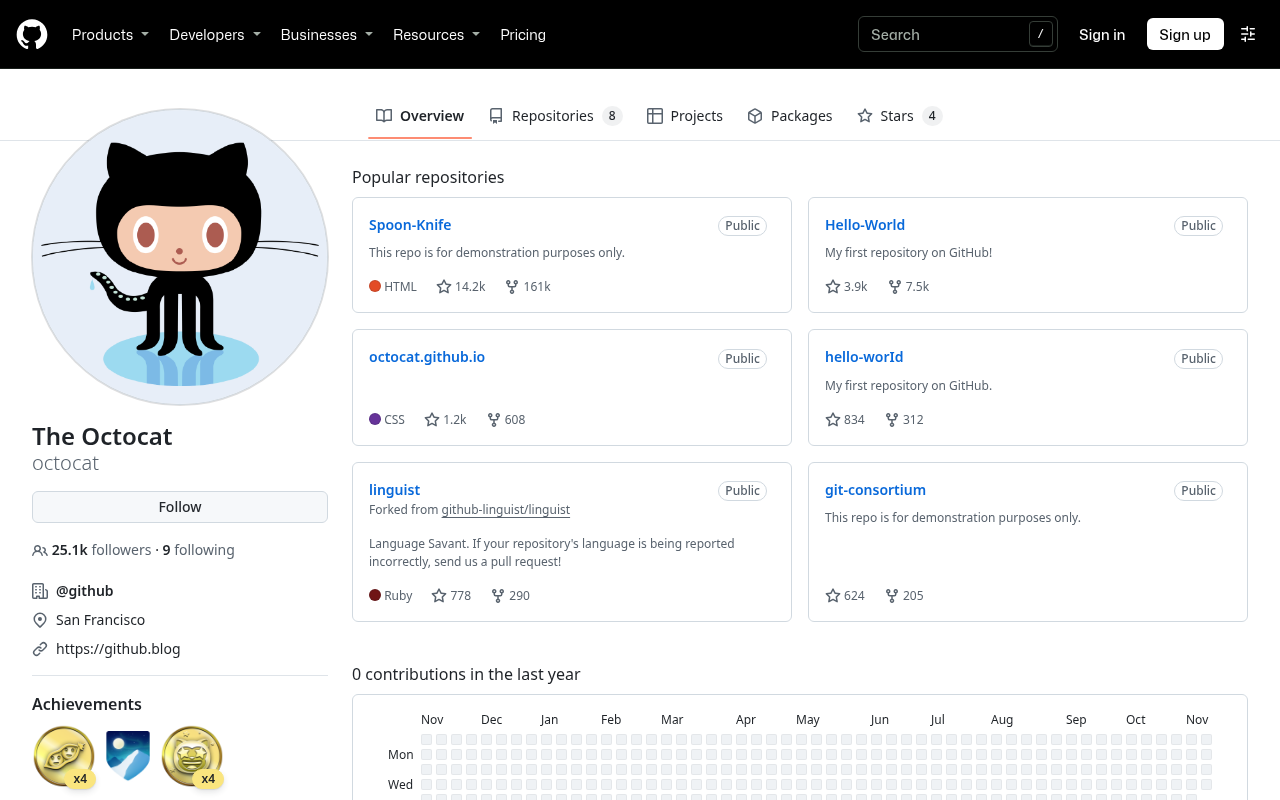
Open github.com/username. If the user has set a public email, it appears in the left column under their name. Many developers also list contact details in a profile README, the repository named after their username.
Also check linked websites and social profiles from the profile; a personal site often has a contact address.
Read the commit author from a .patch URL
Git records an author name and email in every commit. On GitHub, open any commit the person made in a public repository and add .patch to the end of the URL:
https://github.com/OWNER/REPO/commit/COMMIT_SHA.patch
The first lines show From: Name <email>. Pick a commit they authored themselves, not a merge made through the web interface, which may show a noreply address.
Use the public events API
GitHub’s REST API lists a user’s recent public activity. Push events include the commits pushed, with author names and emails:
https://api.github.com/users/USERNAME/events/public
Search the response for "email". Only recent public activity is listed, and unauthenticated requests are rate limited.
Try Mailsfinder free
100 credits a day, no card. Find and verify from one balance.
When you find a noreply address
An address like 12345678+username@users.noreply.github.com is GitHub’s private relay. It means the user turned on email privacy, and mail sent there is not delivered to them as a normal inbox. Treat it as a signal that they do not want to be emailed through GitHub.
Find their work email instead
If the developer lists an employer, you can usually find the work address from their name and company domain with the Mailsfinder email finder, then check it with the email verifier. For recruiting or partnership outreach, a work address is often the more appropriate channel anyway.
Etiquette and privacy
Write to people about their work, not to sell unrelated products.
Do not scrape commit emails in bulk for marketing lists; it breaks GitHub’s terms and, in many places, privacy law.
If someone uses a noreply address, use a public channel such as an issue or discussion only when it is relevant to the project.
Keep the first message short and say how you found them.
Tools and guides in this post
Everything linked above, in one place.

About the author
Harsh Shah
Founder, Mailsfinder
Harsh founded Mailsfinder after running outbound for hundreds of B2B teams and watching the same gap repeat: tools that generate sends but not replies, SEO that generates traffic but not pipeline. He currently consults for ClickUp and three other B2B SaaS companies on pipeline-driven SEO and outbound, and previously led growth at Databox and Darwinbox. Across 50+ B2B SaaS engagements he scaled one platform from $2K to $50K MRR through organic search, drove 35% traffic lifts via content audits, and launched comparison pages with 22% conversion lift.
Expertise: Pipeline-driven SEO and AEO, first-principles outbound, B2B SaaS growth consulting, email deliverability, comparison and alternative page SEO