

Key takeaways
- check_circleThere is no independent benchmark that measures every email finder on the same list, so published accuracy percentages cannot be compared side by side.
- check_circleThe useful signals are how a tool checks an address (a live mail-server test or a stored record) and whether you pay for misses or bad results.
- check_circleMailsfinder, Findymail, Voila Norbert and GetProspect all tie what you pay to results: a found, verified or valid email.
- check_circleCatch-all domains accept any address, so no tool can confirm a mailbox there. Good tools flag catch-all as its own result instead of calling it valid.
- check_circleThe only accuracy number worth acting on is the one your own rows produce. Test 200 rows on two or three free plans before you buy.
- check_circleMailsfinder is ours. It is the lowest cost per found email here at $9.99 for 75,000 credits, but it has no Chrome extension and no phone numbers.
What "accurate" means for an email finder
An accurate finder returns an address that accepts mail for the person you asked about. Two things go wrong: the tool returns nothing for a person who does have an address (a miss), or it returns an address that bounces (a false positive). The second is worse, because it costs you sender reputation as well as a credit.
Finders get an address in one of two ways. Database tools return an address they stored earlier, which can go stale when people change jobs. Pattern tools build the likely formats a company uses, such as first.last@, and test them against the mail server at request time. Most tools verify the result before showing it; the question is when that check last happened.
The tools at a glance
How we evaluated these tools
How the address is checked
A live mail-server test at request time, or a stored record from an earlier crawl.
Whether a miss or a bad result is billed
Paying only for found or verified results moves the risk to the vendor.
How catch-all is reported
A catch-all domain accepts every address, so an honest tool labels it rather than calling it valid.
Cost per 1,000 found addresses
Plan price divided by the addresses it can return, from each vendor’s own pricing page.
Every tool, side by side
| Tool | What you pay for | Entry price | Free tier |
|---|---|---|---|
| Mailsfinder | Found emails (3 credits); verification 1 credit | $9.99/mo, 75,000 credits | 100 credits a day |
| Findymail | Verified results only | $49/mo for 1,000 finder credits | See pricing page |
| Hunter | Credits per search and verification | $49/mo, 2,000 credits | 50 credits a month |
| Voila Norbert | Successful finds | $49/mo, 1,000 leads | 50 credits |
| GetProspect | Valid emails | $49/mo, 1,000 valid emails | 50 valid emails a month |
| Skrapp | Credits | $39/mo, 2,000 credits | 50 credits |
| Snov.io | Credits | $39/mo Starter | See pricing page |
| Apollo.io | Credits per seat (1 per email) | $49/seat/mo yearly | 900 credits per seat a year |
Prices from each vendor’s pricing page, read 11 November 2026. Rank is a table position, not a measured accuracy score.
The tools, reviewed
Mailsfinder
Live SMTP test, pay per hit
Ours, so read the cons first and check the pricing page yourself. A find builds the address patterns a company uses and tests them against its mail server until one is accepted. You are charged 3 credits when an address comes back and nothing when it does not, and the same pool covers verification at 1 credit. Starter is $9.99 a month for 75,000 credits ($7.99 billed yearly), Growth $19.99 for 200,000 with the REST API, Agency $49 for 600,000, and Lifetime a one-time $249 for 1,000,000 credits.
Key features
- checkLive mail-server test for each candidate pattern.
- checkCharged only on a hit; a miss costs nothing.
- checkCatch-all flagged as its own status.
- checkBulk CSV and an API on Growth.
Pros
- addLowest cost per found address in this list
- addNo charge when nothing is found
- addFinding and verifying share one balance
Cons
- removeNo Chrome extension
- removeNo API below the $19.99 Growth plan
- removeEmails only: no phone numbers or contact database
The honest read
Strong on price and on rows a database misses, because each find is tested live. It is ours, so run your own sample before you trust any accuracy claim, including this one.
Source: mailsfinder.com/pricing, read 11 November 2026.
Findymail
Pay only for verified results
Findymail says you only pay for verified results and nothing if it cannot find an address. Its Basic plan is $49 a month for 1,000 finder credits; the Individual plan is $99 a month, Team $399 for 5 seats and Scale $999 for 20 seats. CRM enrichment starts from $500 a month billed annually.
Key features
- checkVerified results only, per Findymail.
- checkTeam seats on Team and Scale.
- checkCRM enrichment from $500 a month annual.
Pros
- addCharges only for verified results
- addTeam plans include several seats
- addCRM enrichment option
Cons
- removeHigher entry price than pattern tools
- removeEnrichment priced separately
- removeTeam pricing jumps to $399
The honest read
Its promise to charge only for verified results lines up cost with accuracy. The trade-off is a higher entry price than pattern tools.
Source: findymail.com/pricing, read 11 November 2026.
Hunter
Domain search plus verifier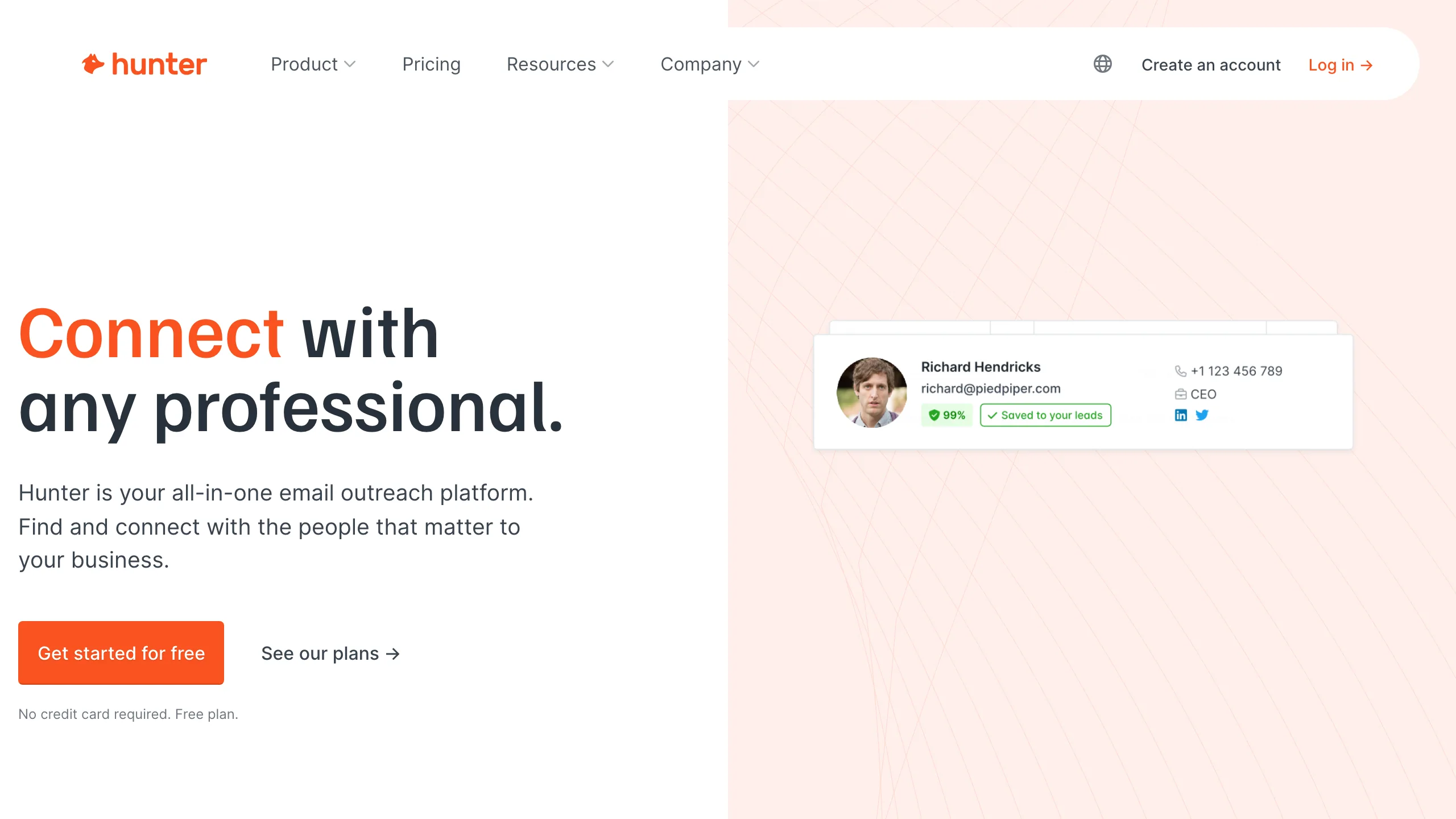
Hunter finds emails by domain and by name and verifies them, with sequences from connected mailboxes. Free gives 50 credits a month. Starter is $49 a month for 2,000 credits ($34 billed yearly), Growth $149 for 10,000 ($104 yearly) and Scale $299 for 25,000 ($209 yearly). It also sells pay-as-you-go packs: 1,000 search credits for $50 and 1,000 verification credits for $11.
Key features
- checkDomain search for public addresses.
- checkEmail verifier on the same account.
- checkPay-as-you-go packs for search and verification.
Pros
- addDomain search shows every public address at a company
- addFree plan every month
- addWell documented API
Cons
- removeAbout $24.50 per 1,000 credits on monthly Starter
- removeSearches and verifications draw on credits
- removeConnected mailboxes capped by plan
The honest read
Domain search shows the addresses Hunter knows at a company, which helps you spot the format before you trust a single result. Credits cost more than the cheapest finders.
Source: hunter.io/pricing, read 11 November 2026.
Voila Norbert
Pay only for successful finds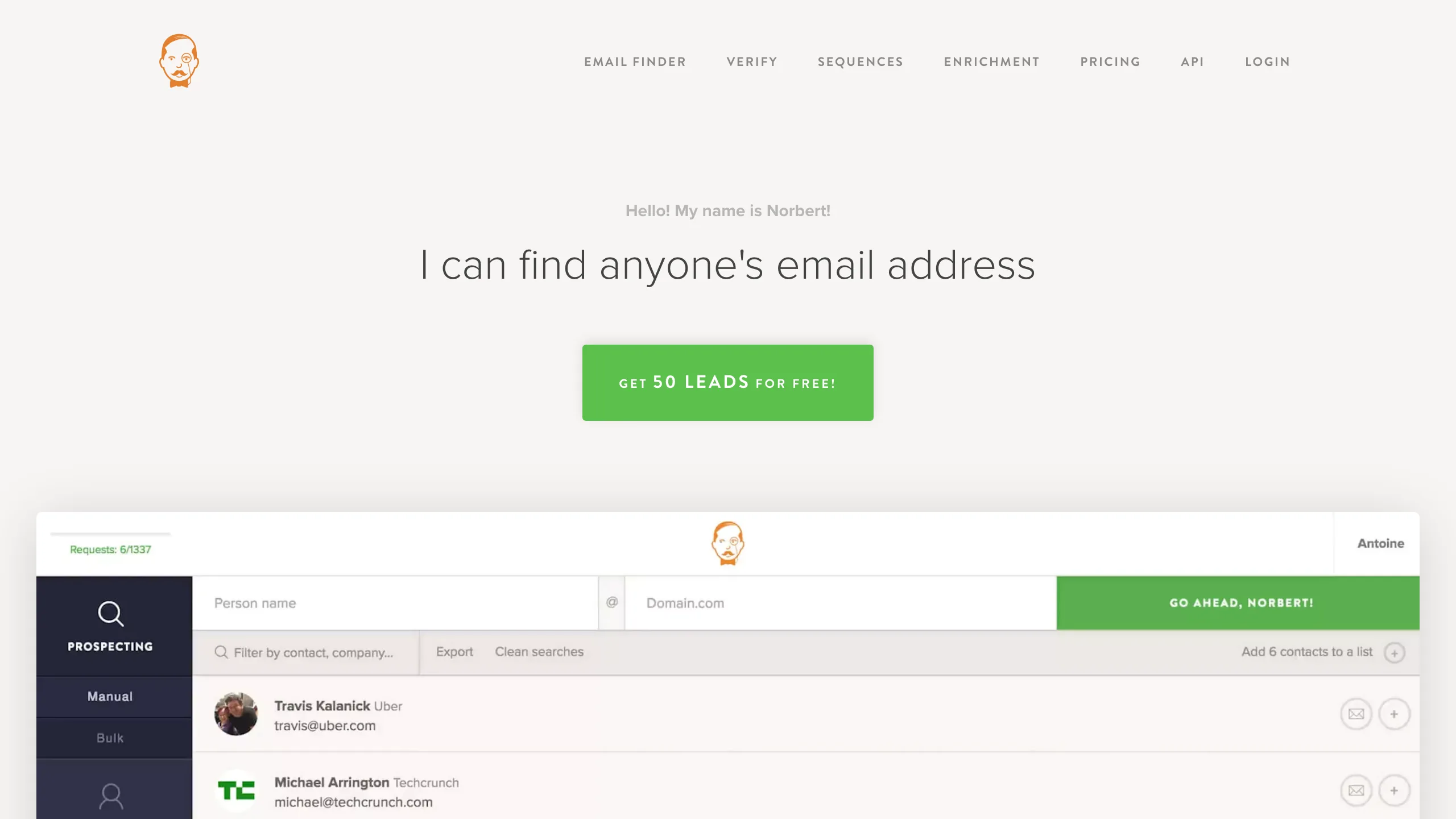
Voila Norbert charges only for successful finds. Valet is $49 a month ($39 yearly) for 1,000 leads, Butler $99 ($79) for 5,000, Advisor $249 ($199) for 15,000 and Counselor $499 ($399) for 50,000. Verification is $0.003 an email, and new accounts get 50 free credits.
Key features
- checkCharged on success only.
- checkVerification at $0.003 an email.
- checkTiers from 1,000 to 50,000 leads.
Pros
- addPay only for successful finds
- addSimple per-lead tiers
- addVerification available per email
Cons
- removeAbout $49 per 1,000 leads on Valet
- removeVerification billed separately
- removeSmall free allowance
The honest read
Paying only for successful finds keeps misses free. Verification is a separate per-email charge.
Source: voilanorbert.com/pricing, read 11 November 2026.
GetProspect
Billed on valid emails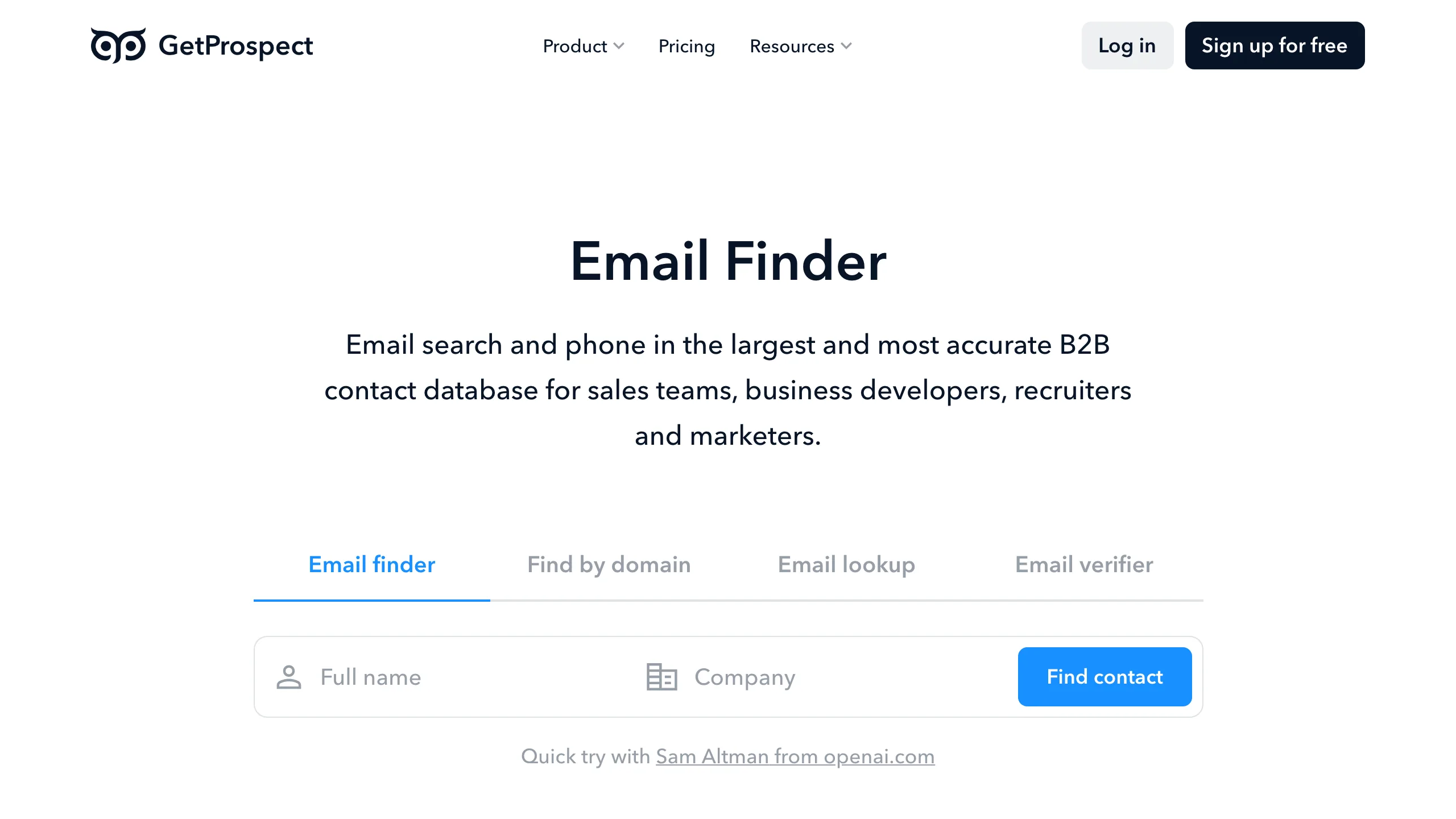
GetProspect counts valid emails rather than credits. Free gives 50 valid emails a month, Starter is $49 for 1,000, and Growth is $99, $199 or $399 for 5,000, 20,000 or 50,000. Phones ($0.12 each) and verification ($0.80 per 1,000) come from a wallet, and annual billing saves 30%.
Key features
- checkValid-email billing.
- checkWallet for phones and verification.
- check30% off annual.
Pros
- addBilled on valid emails
- addMonthly free allowance
- addAnnual discount of 30%
Cons
- remove$49 per 1,000 valid emails on Starter
- removeVerification billed from a separate wallet
- removePhones cost extra
The honest read
Billing on valid emails pushes the cost of bad results back onto the vendor. Starter volume is modest for the price.
Source: getprospect.com/pricing, read 11 November 2026.
Skrapp
LinkedIn-first, verified emails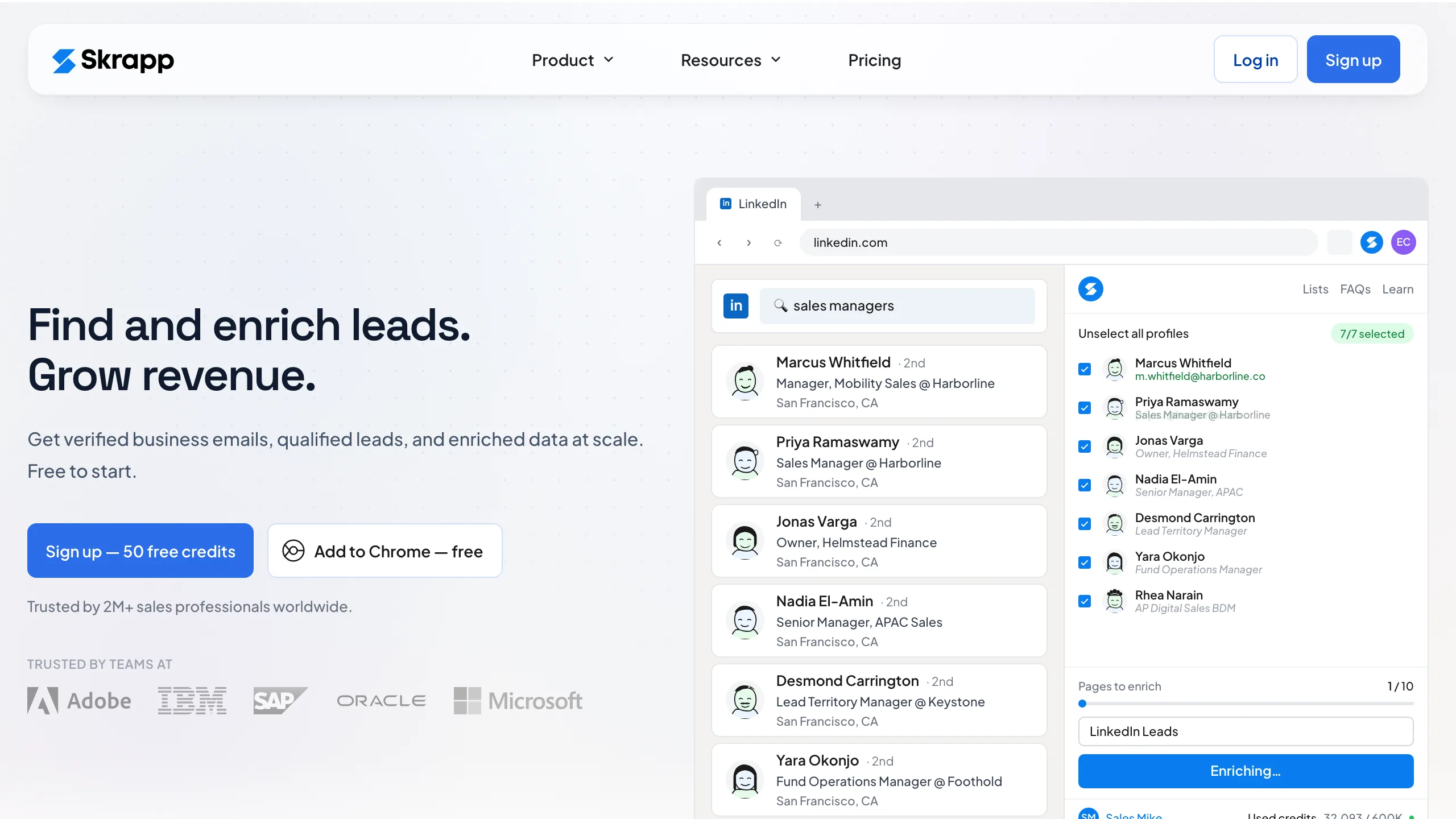
Skrapp finds verified emails from LinkedIn and Sales Navigator through its Chrome extension, as well as by company. Free gives 50 credits. Professional is $39 a month ($29 yearly) for 2,000 credits and 2 users; Enterprise is $349 ($262 yearly) for 50,000 credits and 15 users. Credits roll over.
Key features
- checkLinkedIn and Sales Navigator extension.
- checkCredits roll over.
- checkFree plan with finder and verifier.
Pros
- addLinkedIn and Sales Navigator extension
- addCredits roll over
- addFree plan includes finder and verifier
Cons
- removeUser caps per plan
- removeAbout $19.50 per 1,000 credits on Professional
- removeBig jump from Professional to Enterprise
The honest read
A good fit when your list lives in LinkedIn. Accuracy depends on the same verify-before-you-send habit as every tool here.
Source: skrapp.io/pricing, read 11 November 2026.
Snov.io
Finder inside a sales platform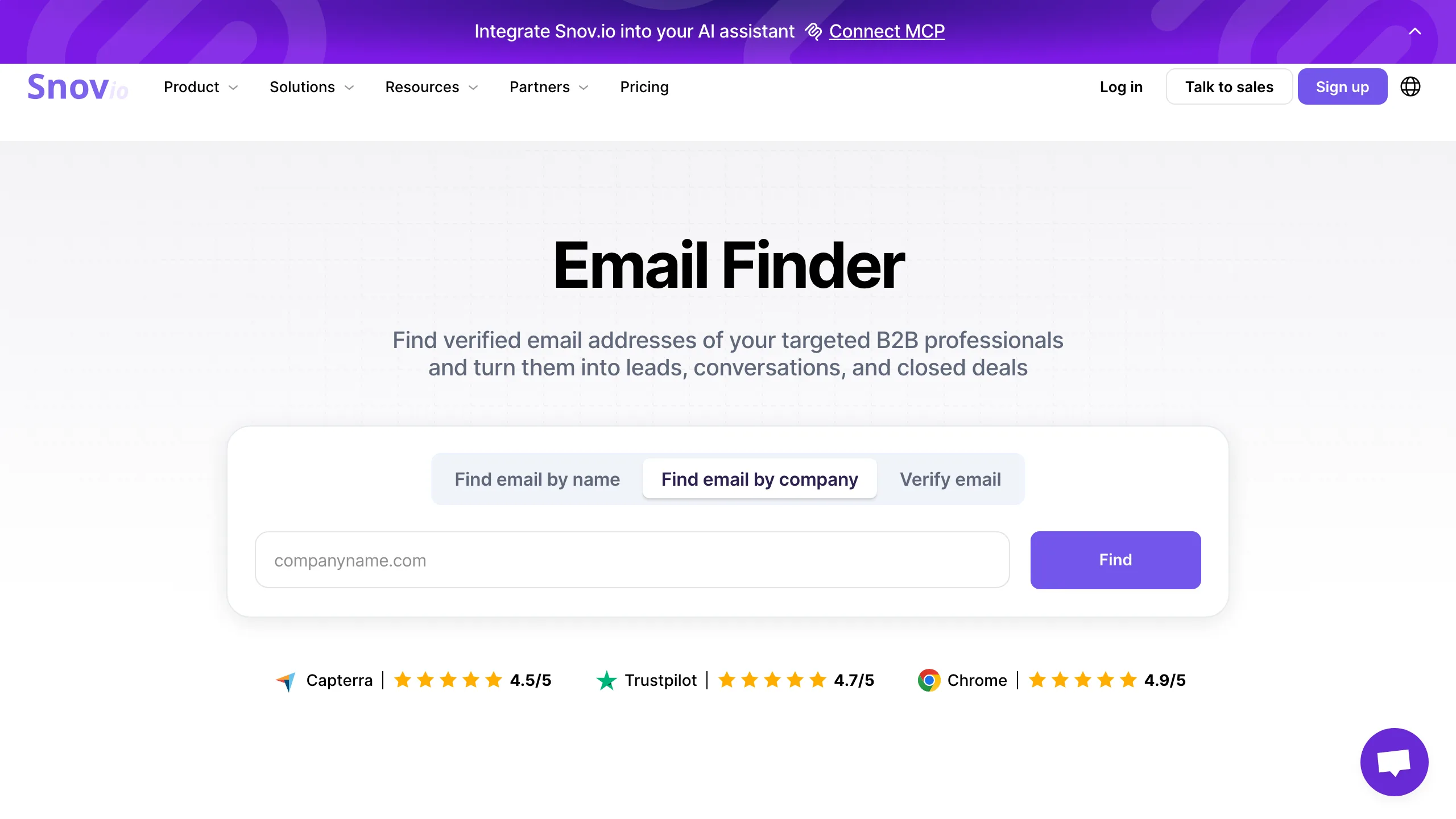
Snov.io is a sales platform with an email finder, verifier and sequences. Starter is $39 a month, then Pro S $99, Pro M $189, Pro L $369 and Ultra $738, with 25% off on annual billing. LinkedIn automation is $69 a slot ($62 annual) and extra mailboxes $5 a month.
Key features
- checkFinder and verifier with sequences.
- checkLinkedIn automation add-on.
- check25% off annual.
Pros
- addFinder, verifier and sequences in one tool
- addAnnual billing saves 25%
- addLinkedIn automation add-on
Cons
- removeAdd-ons raise the total
- removeHigher tiers get expensive
- removeMore platform than you need for finding only
The honest read
Accurate enough for many teams and bundled with sequences, but you pay for a platform if you only need to find.
Source: snov.io/pricing, read 11 November 2026.
Apollo.io
Database, per seat
Apollo is a database, sequencer and dialer in one, priced per seat. Free gives 900 credits per seat a year. Basic is $49 per seat a month billed yearly for 30,000 credits a seat a year, Professional $79 for 48,000 and Organization $119 for 72,000 with a 3-seat minimum. An email costs 1 credit and a phone number 8.
Key features
- checkLarge database with filters.
- checkSequences and dialer built in.
- check1 credit per email, 8 per phone.
Pros
- addLarge searchable database
- addSequences and dialer included
- addFree plan per seat
Cons
- removePriced per seat, all seats on the same plan
- removeUnused credits do not roll over
- removePhones use 8 credits each
The honest read
Coverage is broad, but a stored database can go stale between updates. Verify exports before sending.
Source: apollo.io/pricing, read 11 November 2026.
Which one fits your situation
| If this is you | Start here |
|---|---|
| Your list is small and mid-size companies | A live pattern test such as Mailsfinder often finds rows that a database has never stored. |
| You need phone numbers too | Pick a database tool such as Apollo or Lusha and verify the emails it exports. |
| You prospect from LinkedIn | Skrapp has a LinkedIn and Sales Navigator extension. |
| You want the vendor to carry the risk | Findymail, Voila Norbert, GetProspect and Mailsfinder tie billing to results. |
How to test accuracy on your own list
Run the same sample through two or three free plans and score the results the same way. It takes about an hour.
Pick 200 rows you already have a confirmed email for, from replies or your CRM. Remove the email column.
Run the names and company domains through each finder.
Count three numbers per tool: matches with your known email, different addresses, and no result.
Run every returned address through one bulk verifier so the check is the same for all tools.
Divide the plan price by the number of correct finds to get your real cost per accurate email.
Why catch-all domains break every accuracy claim
A catch-all (accept-all) domain says yes to any address, so a mail-server test cannot tell a real mailbox from a made-up one. Tools that report catch-all as valid look more accurate on paper and bounce more in practice. Check a domain with a catch-all checker before you trust results there.