

Key takeaways
- check_circleThe largest standing free allowance here belongs to Mailsfinder: 100 credits a day with no card, and a find costs 3 credits charged only when an address comes back, so up to 33 found addresses a day or about 990 in a 30-day month. Free limits checked 24 October 2026.
- check_circleFour options work with no account at all: Mailsfinder's free finder tool (5 lookups a day), Emailchaser (3 searches a day), Datablist (1 found email a day) and EXPERTE.com (no published cap). They suit a single lookup, not a list.
- check_circleMost monthly free plans land between 40 and 100 found addresses: Prospeo 100, Apollo 75 credits, Hunter, GetProspect, SalesQL and Snov.io 50 each, and Lusha 40.
- check_circleComparing credits across tools misleads. A Mailsfinder find costs 3 credits, a Prospeo or Hunter find costs 1, and a Datablist waterfall find costs 25, so convert to found addresses before you compare.
- check_circleSeveral free plans hold back the step that turns lookups into a list. Snov.io and Skrapp.io block exports on free, SalesQL keeps unlimited exports for paid plans, and Mailsfinder and Prospeo keep the API for paid plans.
- check_circleSome "free" offers are trials that run out once: Findymail gives 10 credits, Voila Norbert and FullEnrich 50 each, FindThatLead a 7-day trial, and Anymailfinder a 7-day trial that asks for a card.
- check_circleWidely repeated free-tier figures are out of date. Skrapp.io's pricing page lists 50 credits on free, not the 100 a month many roundups still quote, and its free plan has no rollover.
Four kinds of free, and why they are not comparable
Every tool on this page advertises something free, but the word covers four different arrangements, and the difference decides whether you can finish a test list or only check one address.
No account needed
Type a name and a domain and get an answer. Emailchaser, Datablist, EXPERTE.com and Mailsfinder's free tool work this way. Nothing to sign up for, but the allowance is counted in single lookups a day.
Daily allowance
A free account that refills every day. Mailsfinder (100 credits a day) and ContactOut (5 emails a day) work this way. Unused allowance does not carry over, so you cannot save up for one big batch.
Monthly allowance
A free account that refills once a month: Prospeo, Apollo, Hunter, Snov.io, GetProspect, SalesQL, Skrapp.io and Lusha. Larger single batches are possible until the month's credits run out.
One-time trial
Credits that arrive once, sometimes with a time limit or a card on file. Findymail, Voila Norbert, FullEnrich, FindThatLead and Anymailfinder fall here, so they get their own section below.
Credits are not addresses
"100 credits" means something different at each vendor. On Mailsfinder a find costs 3 credits and a verification costs 1. On Hunter, Prospeo, SalesQL and GetProspect one found email costs one credit. Datablist's waterfall uses 25 credits per found email. Throughout this page we convert every allowance into found addresses, so the numbers line up.
Most tools here also charge only when an address comes back. Mailsfinder, Hunter, Prospeo, GetProspect, SalesQL, Skrapp.io and Datablist all say so on their pricing pages, so on those tools a miss costs nothing and the free allowance is a ceiling on found addresses, not on attempts.
How we checked each free plan
Free terms from the vendor's own page
Every allowance, refill period and card requirement was read off the vendor's pricing or tool page on 24 October 2026. Where a page leaves something unstated, we say so instead of filling the gap.
Converted to found addresses
We turned each allowance into the most addresses it can return in a 30-day month, using each vendor's published credit cost per found email.
What the free plan holds back
Exports, bulk upload, API access and seat limits decide whether free works for a list, so we noted what each free plan keeps for paying customers.
What you pay after free
For the calculator we used each tool's entry paid plan and its credits per found address, so you can see what the next step costs.
We did not run an accuracy benchmark. Where a vendor publishes an accuracy or find-rate figure, we attribute it to the vendor.
Every free plan side by side
Grouped by the kind of free on offer, not ranked. Found addresses assume a 30-day month and that every lookup returns an address; on tools that bill only hits, misses do not reduce the figure. Checked 24 October 2026.
| Tool | Free allowance | Found a month (max) | Account | Card | Held back on free | G2 |
|---|---|---|---|---|---|---|
| No account needed | ||||||
| Emailchaser | 3 searches a day, one back every 8 hours | Up to ~90 searches | No | No | Bulk needs Lead Finder and your own Sales Navigator | No G2 profile |
| Datablist | 1 found email a day; 500 credits once on a free account | Up to ~30, plus 20 once | No | No | Bulk lists need a free account | No G2 profile found |
| EXPERTE.com | No published limit | No published cap | No | No | One lookup at a time | No G2 profile |
| Mailsfinder | 5 lookups a day per IP, no account | Up to ~150 | No | No | Bulk needs a free account | New on G2 |
| Free account, daily allowance | ||||||
| Mailsfinder | 100 credits a day, 3 per found address | Up to ~990 | Yes | No | API access | New on G2 |
| ContactOut | 5 emails, 5 phones and 5 exports a day | Up to ~150 | Yes | Not stated | One user per company; exports capped at 5 a day | 4.4/5 (109) |
| Free account, monthly allowance | ||||||
| Prospeo | 100 credits a month, 1 per found email | 100 | Yes | Not stated | API access; 28 of 41 search filters | 4.6/5 (975) |
| Apollo | 900 credits a seat a year, granted 75 a month | 75 credits | Yes | No | Rollover; sending from non-Gmail accounts | 4.7/5 (9,690) |
| Hunter | 50 credits a month, 1 per found email | 50 | Yes | No | Credit rollover | 4.4/5 (634) |
| Snov.io | 50 credits every 30 days | 50 credits | Yes | No | Export, bulk search and verification, API | 4.5/5 (483) |
| GetProspect | 50 valid emails and 100 verifications a month | 50 | Yes | No | Phone numbers | 4.0/5 (41) |
| SalesQL | 50 credits a month, free forever | 50 | Yes | No | Phone numbers; unlimited exports | 4.6/5 (175) |
| Skrapp.io | 50 credits (refill period not stated) | 50 credits | Yes | No | List export; credit rollover | 4.5/5 (329) |
| Lusha | 40 credits a month (email 1, phone 5) | 40 | Yes | No | One seat | 4.3/5 (1,668) |
Mailsfinder appears in two groups because its free tool works without an account (5 lookups a day) and its free plan adds 100 credits a day on an account. Apollo publishes its credit cost per email only inside the app, so its figure is shown in credits.
Calculator
How far free gets you
Enter how many addresses you need in a month. The first view shows how much of that each free plan covers. The second shows what each tool charges once you move past free.
| Tool | Free covers | Basis |
|---|
Free caps assume every lookup returns an address and a 30-day month. Paid costs use the cheapest plan that covers your volume, from each vendor's page on 24 October 2026; where a vendor's higher tiers were not verifiable in US dollars we scale the entry plan's rate and label it. Apollo publishes its credit cost per email only inside the app, so we assume one credit per email. Lusha prices by slider and EXPERTE.com has no paid plan, so neither has a paid figure.
The 13 tools, reviewed
Same format for every tool, grouped by the kind of free on offer. Numbers are list positions, not a ranking.
No account needed
Emailchaser
No account, three a day
Nothing to sign up for here: type a name and a company domain and the work email comes back, three times a day, with one search returning every eight hours once you have used them. Every result is checked by two providers, the second testing anything the first does not reject. The finder is the free front door to a cold email platform that starts at $47 a month after a 7-day trial, and bulk work moves to a Lead Finder extension that needs your own LinkedIn Sales Navigator subscription.
Key features
- checkThree free searches a day with no account and nothing to install.
- checkDouble verification a second provider checks what the first does not reject.
- checkFree verifier alongside three checks a day on the same terms.
- checkLead Finder extension bulk lists from a Sales Navigator search.
Pros
- addNo signup or card for a lookup
- addTwo providers check every result
- addSearches refill through the day
Cons
- removeThree a day cannot finish a list
- removeBulk path needs paid Sales Navigator
- removeNo G2 profile to read reviews
The honest read
The quickest way to sanity-check one address without creating anything. Past a handful of contacts, the daily cap is the whole story.
Datablist
Waterfall finder, one a day free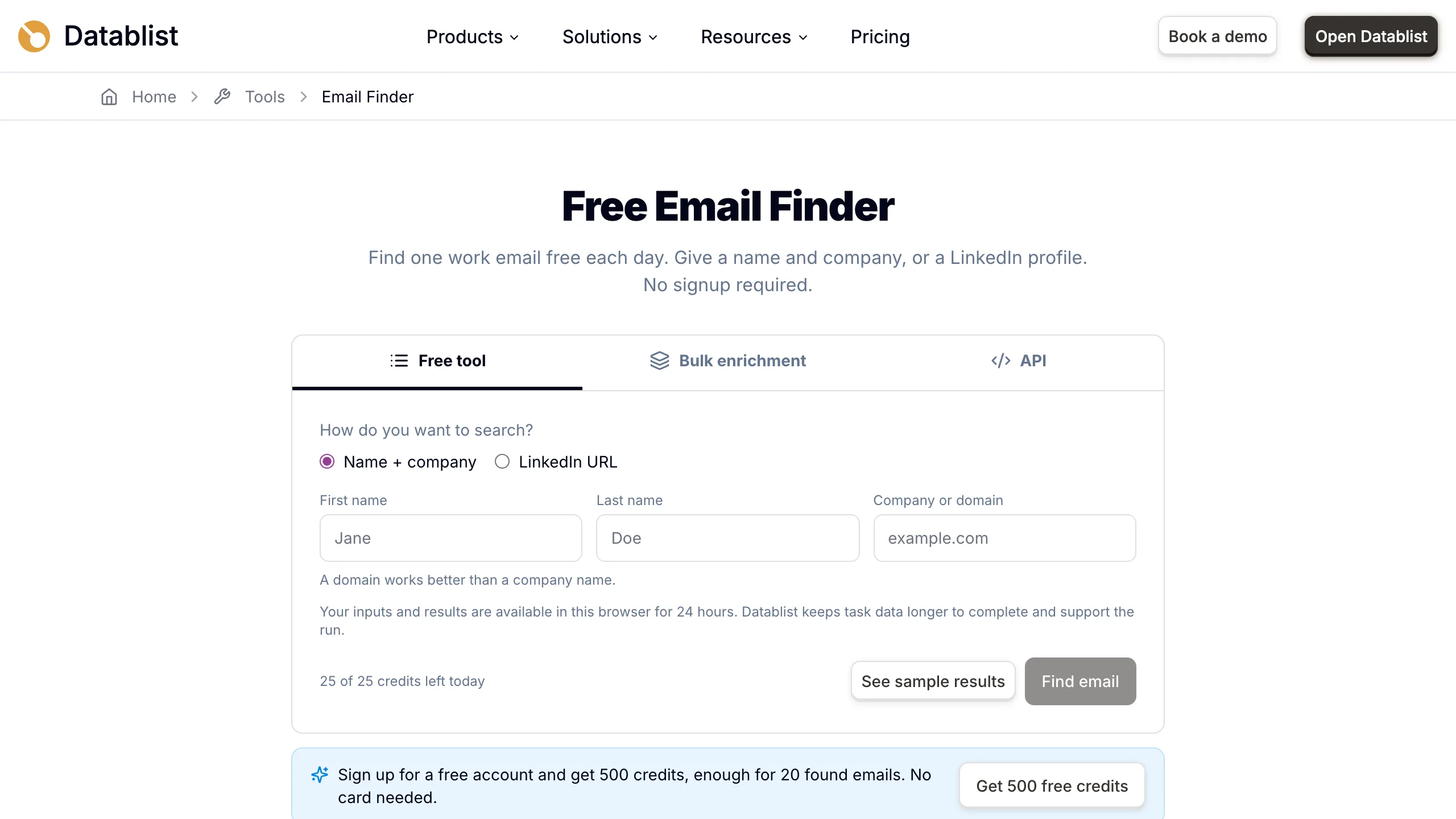
A waterfall sits behind this one: Datablist tries more than 20 providers in sequence and stops at the first that has the person, which reaches people a single database misses. With no account you get one found work email a day, from a name and company or from a LinkedIn profile URL. A free account adds 500 credits with no card, which Datablist says covers 20 found emails. Paid waterfall finds cost 25 credits each, and lookups that come back empty cost nothing.
Key features
- checkOne found email a day with no account at all.
- checkName and company or LinkedIn URL either works as the input.
- check500 credits on a free account enough for 20 found emails, no card.
- checkEmpty lookups cost nothing credits return to the daily allowance.
Pros
- addWaterfall reaches people single databases miss
- addAccepts a LinkedIn profile URL as input
- addMisses never touch the allowance
Cons
- removeOne a day without an account
- removeSignup credits arrive once, not monthly
- removeNo G2 profile found
The honest read
Most useful as a second opinion when another tool returns nothing, since a waterfall is built for exactly those rows. Its own pricing puts paid finds at around $45 per 1,000, so it is a specialist rather than a volume tool.
EXPERTE.com
Free utility, no published limit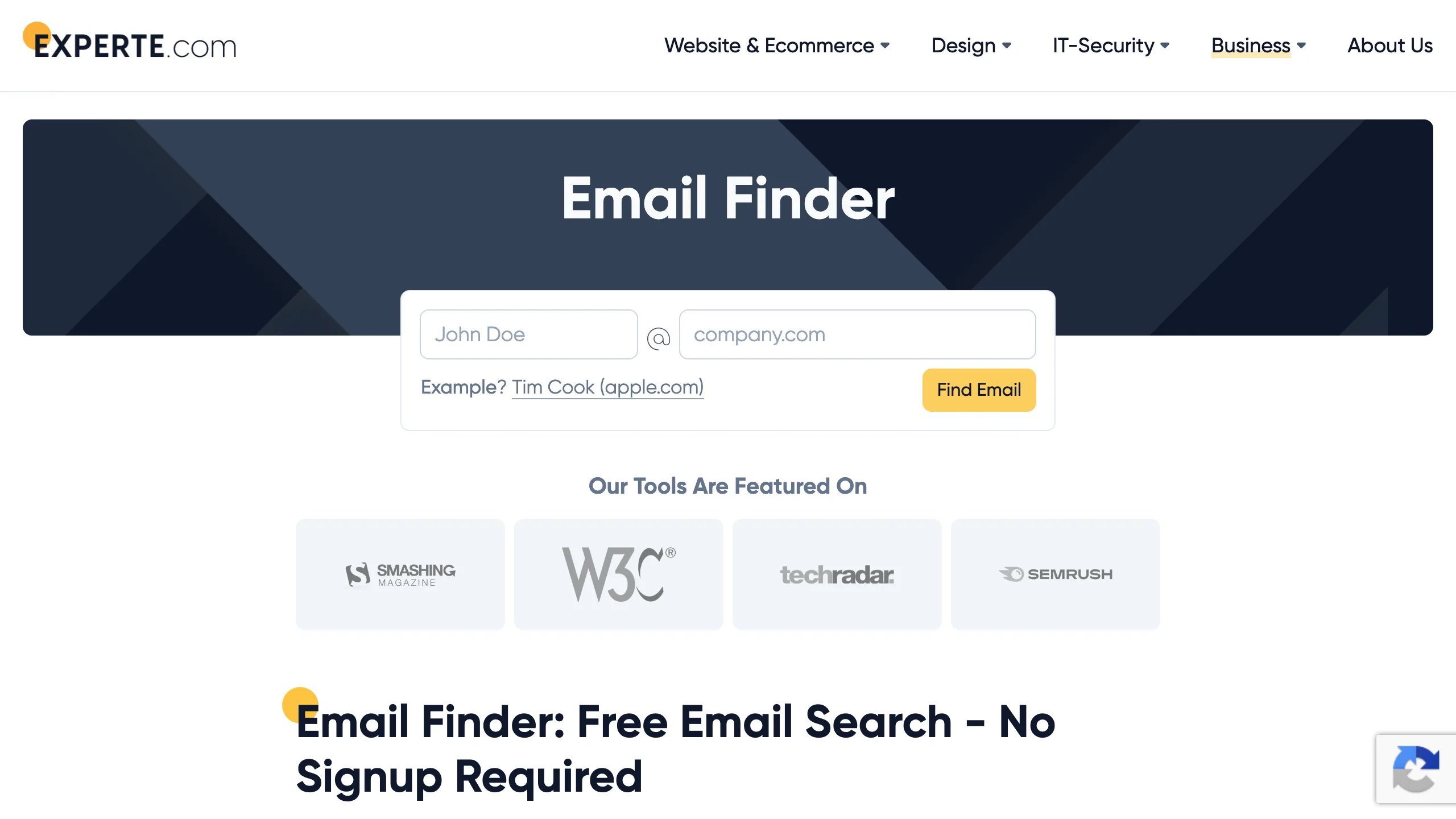
EXPERTE.com's finder is a plain utility rather than a product with an upgrade path. You enter a name and a domain, it builds the common address patterns, and it tests each one against the company's mail server without sending any email or storing what you typed. There is no account and no published daily cap. Catch-all domains are the limit: when a server accepts every address, the tool returns Unknown, because a real mailbox and a guess look the same from outside.
Key features
- checkPattern generation plus a live check each permutation is tested against the mail server.
- checkNo account and no stored data names and domains are not kept.
- checkNo published usage cap the page states no daily limit.
- checkFree verifier on the same site for checking one address you already have.
Pros
- addCompletely free with no signup
- addStores none of the names you enter
- addShows its method openly
Cons
- removeReturns Unknown on catch-all domains
- removeOne lookup at a time
- removeNo API or paid plan offered
The honest read
A clean free option for one address at a domain that is not catch-all. When the result comes back Unknown, run it through a verifier before you send.
Free account, daily allowance
Mailsfinder
Daily allowance, finder and verifier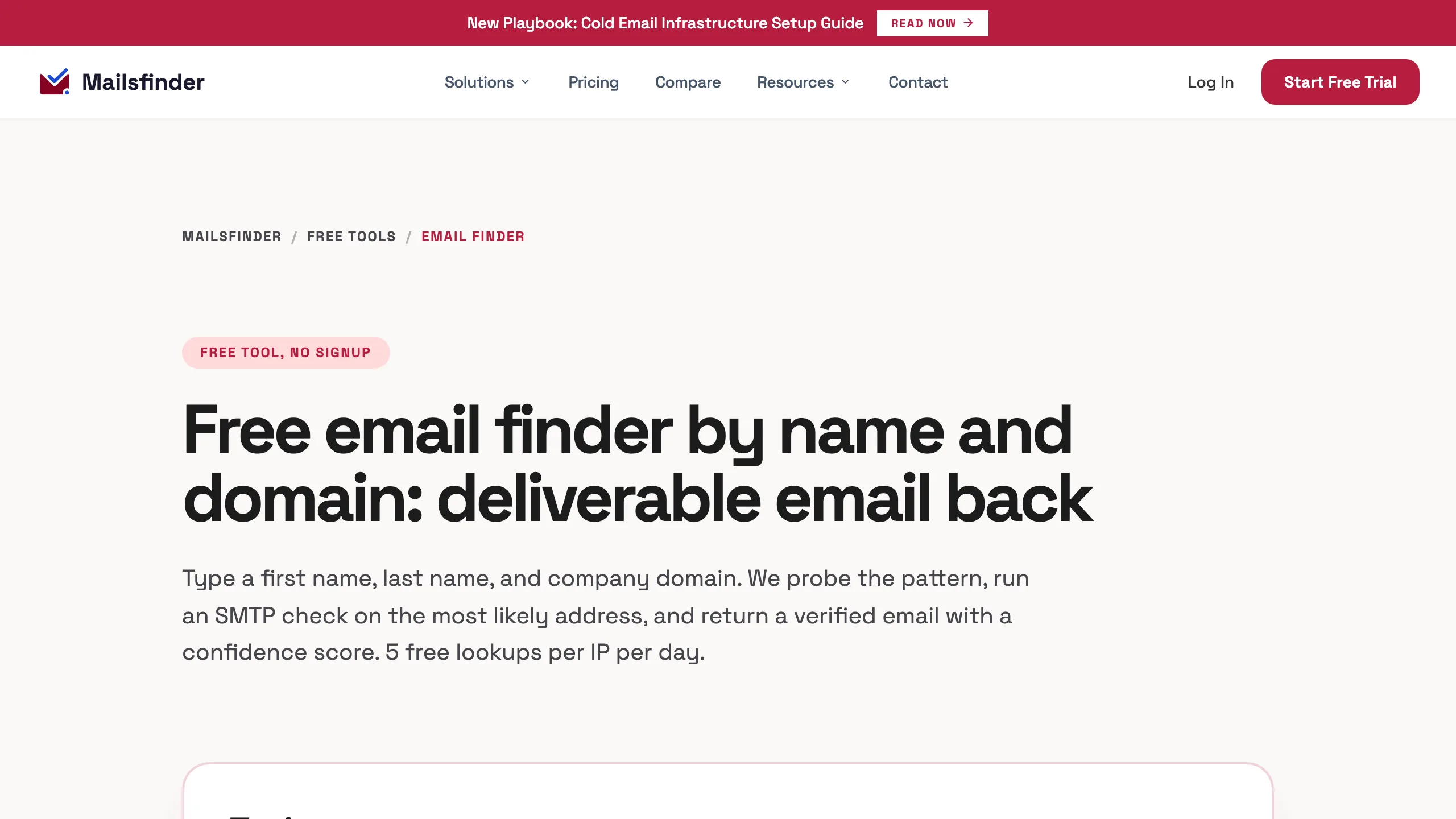
We make Mailsfinder, so weigh this one accordingly. The free plan gives 100 credits a day with no card and no expiry. A find costs 3 credits and is charged only when an address comes back, and a verification costs 1, so the daily allowance covers up to 33 found addresses or 100 verifications. Over a 30-day month that is up to around 990 found addresses, the largest standing free allowance on this page. The free finder tool also works with no account at all, at 5 lookups a day per IP.
Key features
- check100 credits a day, free forever no card and no expiry.
- checkMisses cost nothing a find is 3 credits, charged only on a result.
- checkFinder and verifier on one balance a verification costs 1 credit.
- checkNo-signup tool 5 lookups a day without an account.
Pros
- addLargest daily free allowance on this page
- addMisses never use credits
- addVerification shares the same free balance
Cons
- removeCredits reset daily and cannot be banked
- removeNo API on the free plan
- removeNo Chrome extension yet
The honest read
For steady lookups every day, nothing else here comes close on volume. For one batch of 2,000 rows this afternoon, the daily reset means free would take about two months, and the $9.99 Starter plan with 75,000 credits is the practical route.
ContactOut
Daily allowance with phones
Built around LinkedIn profiles, ContactOut's free plan resets every day: 5 emails, 5 phone numbers and 5 exports, through the browser extension and its search portal. Over a month that adds up to around 150 emails, the second-largest standing allowance here, and it is one of the few free plans that includes phone numbers at all. Paid plans currently show a limited-time Email plan at $25 a month, down from $99, with unlimited emails and 300 exports, plus an Email and Phone plan at $49.
Key features
- check5 emails and 5 phones a day plus 5 exports, refilled daily.
- checkChrome extension works on LinkedIn profiles.
- checkSearch portal search alongside the extension.
- checkTrial of premium features included with the free plan.
Pros
- addPhone numbers included on the free plan
- addDaily refill suits steady prospecting
- addWorks directly on LinkedIn profiles
Cons
- removeExports capped at 5 a day
- removeOne user per company on free
- removePaid price is a limited-time promotion
The honest read
The strongest free choice if you need phone numbers as well as email. Check the price again before upgrading, since the $25 Email plan is marked as a limited-time offer.
Free account, monthly allowance
Prospeo
Largest monthly allowance
Prospeo's free plan gives 100 credits a month, the largest monthly allowance on this page, and charges one credit per email found and nothing when no email comes back. Searching and filtering its database costs nothing, and the free plan includes the Chrome extension and 28 search filters. The API is left out of free, and paid plans start at $49 per user a month for 2,000 credits.
Key features
- check100 credits a month one credit per found email.
- checkNo charge when nothing is found misses never cost a credit.
- checkFree search and filtering browse the database without spending credits.
- checkChrome extension on free plus 28 search filters.
Pros
- addLargest monthly free allowance here
- addMisses never cost a credit
- addDeep review base, 4.6 from 975
Cons
- removeNo API on the free plan
- removeSearch filters capped at 28 on free
- removePaid plans priced per user
The honest read
The pick if you would rather have one larger monthly batch than a daily drip. At 100 found addresses a month it covers light, steady prospecting.
Apollo
Free plan inside a sales platform
Apollo's free plan is the door into a whole sales platform rather than a standalone finder. It grants 900 credits per seat per year, released at 75 a month, alongside sequences, a CRM and a Chrome extension, with no card to start. Credits are pooled across the team and do not roll over, and Apollo publishes the credit cost per email only inside the app. The free plan stays free with no time limit, and sending from it connects to Gmail accounts only.
Key features
- check75 credits a month 900 per seat per year.
- checkEmail sequences on free send from the same account.
- checkChrome extension and database search find people by title, company and location.
- checkNo time limit the free plan does not expire.
Pros
- addFinder, database and sequencer together
- addNo card to start
- addLargest review base here, 4.7 from 9,690
Cons
- removeCredits do not roll over
- removePer-email credit cost not published
- removeFree sending limited to Gmail accounts
The honest read
Worth starting with if you also want to run sequences from the same place. As a pure free finder, 75 credits a month is middling, and the platform takes time to learn.
Hunter
Domain search, unlimited free seats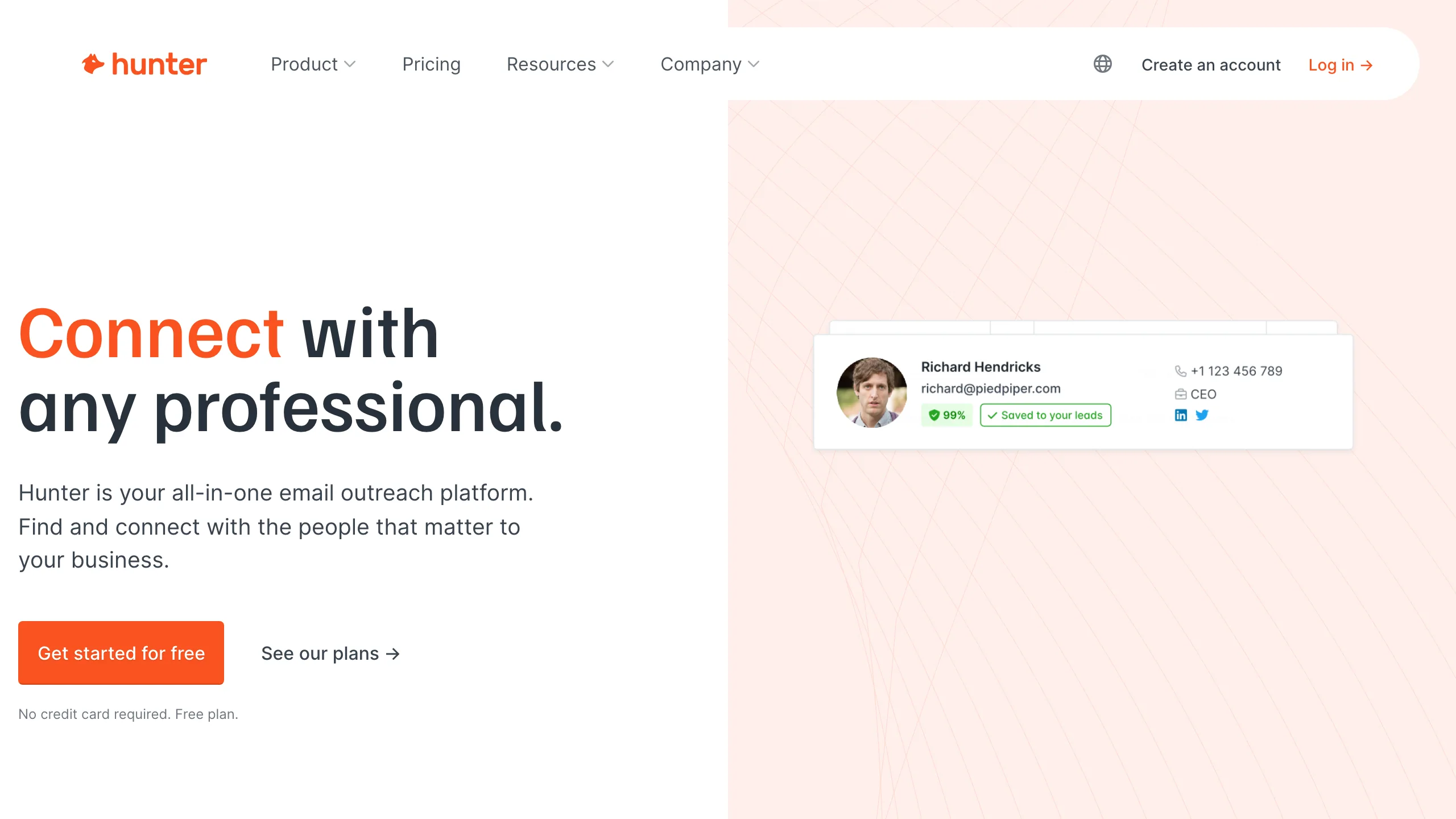
Fifty credits a month is Hunter's free allowance, shared across Email Finder, Domain Search and the verifier, at one credit per found email and nothing when an address cannot be found. A verification costs half a credit. Two things set the free plan apart: team members are unlimited on every plan including free, and Domain Search lists every address Hunter holds for a company, which helps when you have no specific name. Credits reset monthly and do not roll over.
Key features
- check50 credits a month across finder, domain search and verifier.
- checkMisses are free a verification costs half a credit.
- checkUnlimited team members on the free plan too.
- checkDomain Search every known address at a company.
Pros
- addWhole team shares one free account
- addMisses never use a credit
- addExtension rated 4.8 from 12.5K ratings
Cons
- remove50 a month runs out quickly
- removeCredits do not roll over
- removePaid starts at $49 a month
The honest read
A good free fit for a small team doing occasional lookups, since everyone shares one account at no cost. Volume is the limit.
Snov.io
Free plan with outreach, no export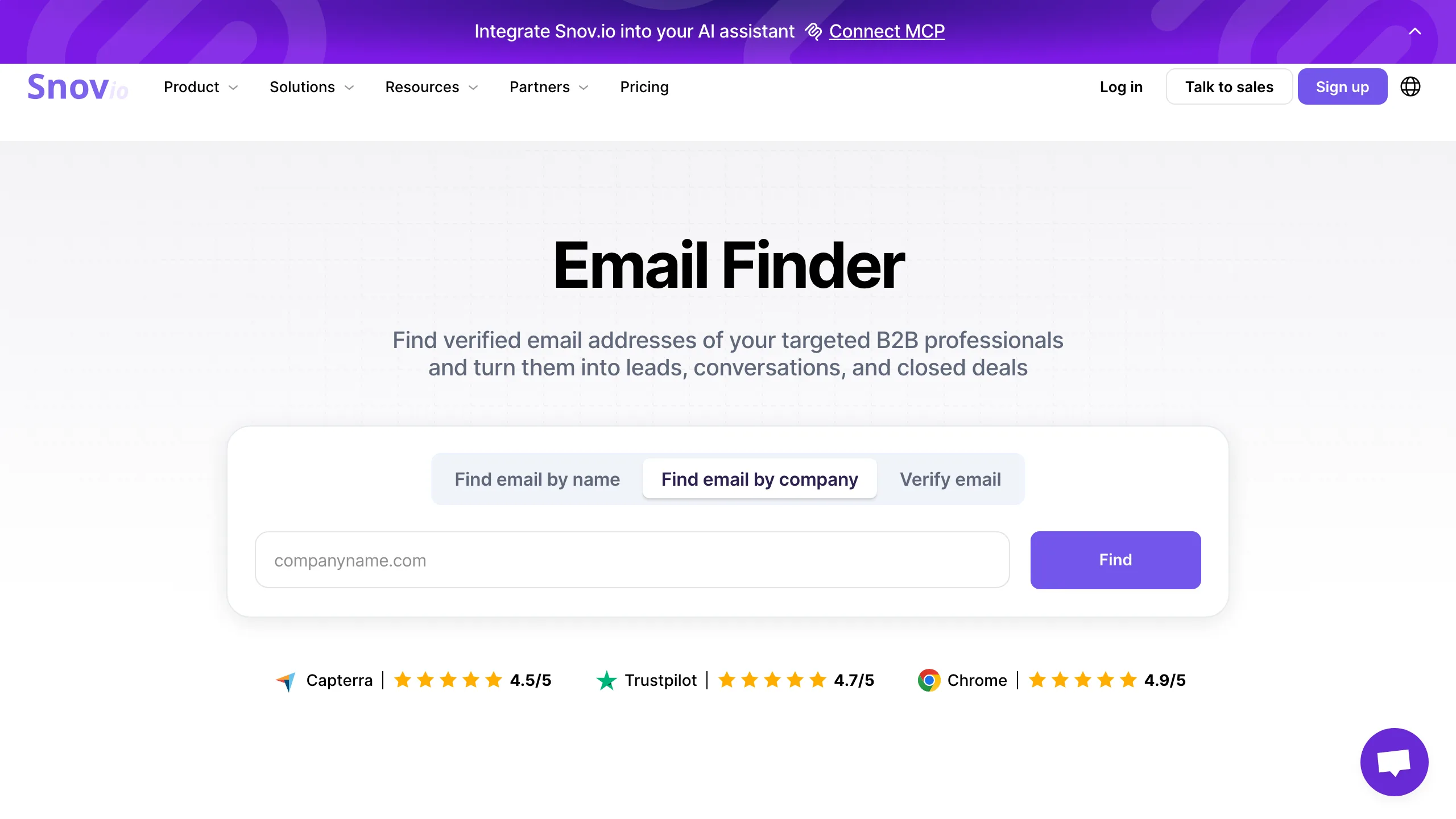
Snov.io calls its free tier a Trial plan, yet it never ends: every 30 days it renews 50 credits, 100 campaign recipients and 25 enrichment tokens. From it you can search, verify, enrich and send small campaigns. What the free plan holds back is the way out, because export, bulk search, bulk verification and the API are paid features, so anything you find stays inside Snov.io unless you upgrade.
Key features
- check50 credits every 30 days renews with no end date.
- check100 campaign recipients send small sequences on free.
- checkFinder and LinkedIn extensions search from websites and profiles.
- check25 enrichment tokens for phone and data lookups.
Pros
- addFinding and sending in one free account
- addRenews every 30 days indefinitely
- addNo card to start
Cons
- removeNo export on the free plan
- removeNo bulk search or verification
- removeUnused credits expire every 30 days
The honest read
Free Snov.io is a sandbox for testing a whole outbound motion, not a way to build a list you take elsewhere. Without export, the contacts stay inside the app.
GetProspect
Counts valid emails, not credits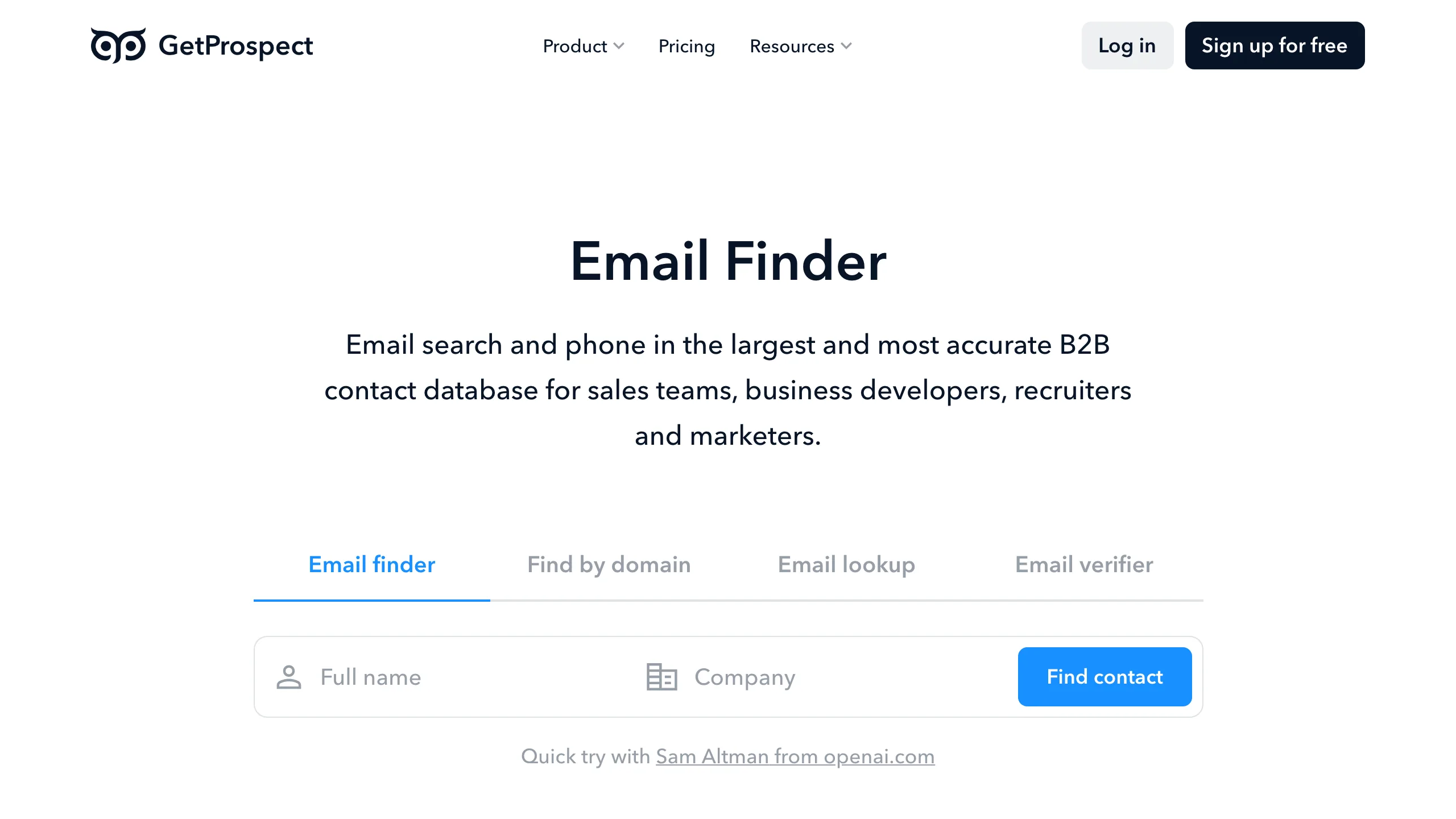
GetProspect counts its free allowance in valid emails instead of credits: 50 a month, plus 100 verifications, and emails it cannot find are not charged. No card is needed to start. Its range includes a LinkedIn extension, a Google Sheets add-on and a bulk finder, and paid plans start at $49 a month for 1,000 valid emails, or $34 a month billed annually.
Key features
- check50 valid emails a month counted in emails, not credits.
- check100 verifications a month for addresses you already hold.
- checkNot-found emails are free you pay only for valid results.
- checkLinkedIn extension and Sheets add-on find from profiles or a spreadsheet.
Pros
- addAllowance counted in valid emails
- addVerifications included separately
- addNo card to start
Cons
- remove50 a month is a light allowance
- removeSmaller review base, 4.0 from 41
- removePhone numbers start on paid plans
The honest read
Counting in valid emails removes any guesswork about what a credit buys. It suits a light, steady flow of lookups.
SalesQL
Free seat for LinkedIn and Recruiter
Recruiters should look here first: SalesQL's extension works on LinkedIn, Sales Navigator, Recruiter and Recruiter Professional Services alike, and the free seat covers all of them. The free plan gives 50 credits a month with no card and no time limit, one credit per successful reveal and nothing when no email is found. Phone numbers and unlimited exports are kept for paid plans, which start at $39 a month or $29.25 billed annually.
Key features
- check50 credits a month, free forever no card and no expiry.
- checkWorks in Sales Navigator and Recruiter as well as standard profiles.
- checkNo charge when nothing is found one credit per successful reveal.
- check100 campaign recipients a month on the free plan.
Pros
- addBroadest LinkedIn coverage on a free plan
- addMisses never cost a credit
- addFree plan never expires
Cons
- removePhones only on paid plans
- removeOne seat on the free plan
- removeUnlimited export starts on paid
The honest read
The free pick for recruiters working inside LinkedIn Recruiter, where many extensions do not run. Fifty a month is a light allowance.
Skrapp.io
LinkedIn finder, small free allowance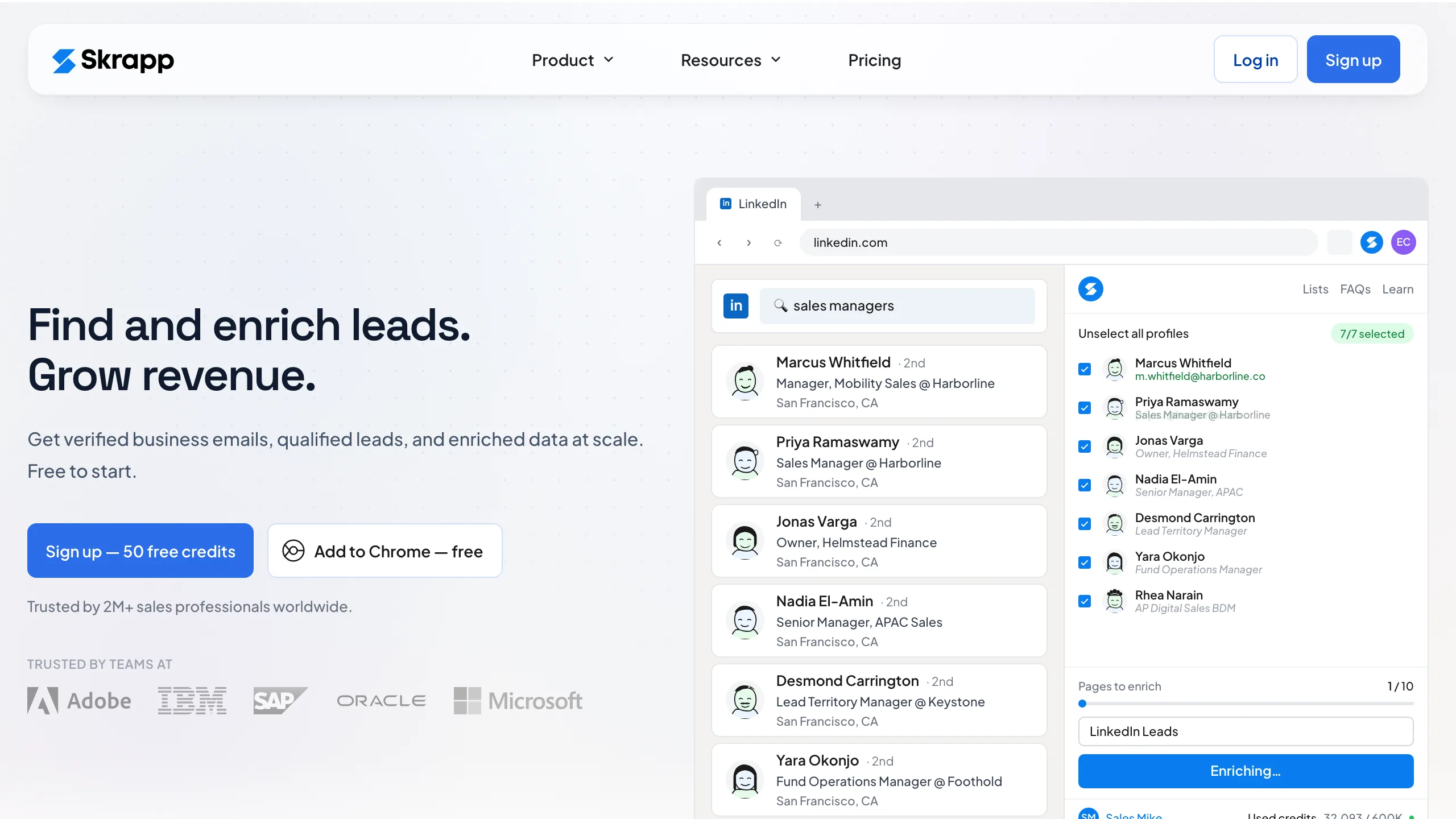
On its current pricing page, Skrapp.io lists 50 credits on the free plan for one user, with no credit card, covering the email finder, the verifier and the extensions for LinkedIn, Sales Navigator, Recruiter and company websites. It bills only for deliverable or catch-all results, so invalid and unknown lookups cost nothing. List exports and credit rollover are paid features. Many roundups still quote 100 free credits a month, but the page says 50 and does not state a refill period.
Key features
- check50 credits on the free plan one user, no card.
- checkExtensions for LinkedIn and Sales Navigator plus Recruiter and company websites.
- checkCharged only for valid or catch-all results misses cost nothing.
- checkEmail verifier included on the free plan.
Pros
- addInvalid and unknown results cost nothing
- addWorks across LinkedIn, Sales Navigator, Recruiter
- addNo card to start
Cons
- removeNo list export on the free plan
- removeNo credit rollover on free
- removeRefill period not stated
The honest read
Useful for spot lookups from LinkedIn, but with no export on free you copy results out by hand. Paid starts at $39 a month for 2,000 credits.
Lusha
Credits for emails and phones
Lusha's free plan gives 40 credits a month with no card, for one seat, through the web app and the browser extension. An email reveal costs 1 credit and a phone number costs 5, so the allowance covers 40 emails, 8 phone numbers, or a mix. Paid pricing runs on a credit slider rather than fixed tiers; at the entry volume the Starter plan shows $37.45 a month billed yearly.
Key features
- check40 credits a month one seat, no card.
- checkEmail 1 credit, phone 5 mix them as you need.
- checkBrowser extension and CRM integrations included on free.
- checkCredit slider for paid plans priced by the volume you pick.
Pros
- addPhone numbers reachable on the free plan
- addCRM integrations included on free
- addLarge review base, 4.3 from 1,668
Cons
- removeSmallest monthly allowance here
- removeOne seat on the free plan
- removePaid pricing needs the slider to quote
The honest read
Free Lusha suits someone who wants a few direct dials as much as emails. As an email-only free finder, 40 a month is the lowest standing allowance on this page.
Free trials that are not free plans
Five well-known finders advertise a free option that turns out to be a one-time allowance or a time-limited trial. They are useful for judging data quality on a sample, not for ongoing free use.
| Tool | What you get | Lasts | Card | Misses charged? |
|---|---|---|---|---|
| Findymail | 10 credits | Once | No | No, misses are free |
| Voila Norbert | 50 credits | Once | Not stated | No, only successful finds count |
| FullEnrich | 50 credits | Once | No | No, you pay only for data found |
| FindThatLead | 50 email credits | 7 days | No | Per search, per its FAQ |
| Anymailfinder | 100 credits | 7 days | Yes, checked but not charged | No, misses are free |
If you plan to test several tools on the same list, the trials are worth more than they look. Anymailfinder's 100 credits and FullEnrich's 50 give you a direct read on hit rate for the rows the free plans above miss. Note that Anymailfinder asks for a card, though the trial itself is not charged, and Findymail has moved its paid plans to usage-based pricing from $99 a month.
For the paid side of these tools, our email finder tools comparison covers cost per found address across 18 finders.
Which free email finder fits the job
One address right now, no account
Our pick Emailchaser
Also strong Mailsfinder free tool
Emailchaser checks every result with two providers and needs nothing from you. Mailsfinder's free tool gives 5 lookups a day per IP, also with no signup.
Steady lookups every day
Our pick Mailsfinder
Also strong ContactOut
Up to 33 found addresses a day on a free plan with no card. ContactOut's 5 a day adds phone numbers.
One larger monthly batch
Our pick Prospeo
Also strong Apollo
100 found addresses a month with misses free. Apollo adds 75 credits and a sequencer in the same account.
LinkedIn, Sales Navigator and Recruiter
Our pick SalesQL
Also strong Skrapp.io
SalesQL's free seat works inside Recruiter and Sales Navigator. Skrapp.io covers the same surfaces, though free has no export.
Phone numbers on a free plan
Our pick ContactOut
Also strong Lusha
Five phone numbers a day on free. Lusha's 40 credits buy 8 phones at 5 credits each.
A second opinion when others miss
Our pick Datablist
Also strong EXPERTE.com
Datablist's waterfall tries more than 20 providers. EXPERTE.com tests address patterns against the mail server for free.
When free stops being enough
Free plans run out in three predictable ways, and each points to a different fix.
- ios_shareYou need the list outside the tool. Snov.io and Skrapp.io block export on free, so finding addresses there and sending from somewhere else means upgrading or copying by hand.
- upload_fileYou need one batch processed today. Daily allowances cannot be banked, so a 2,000-row list takes weeks on any free plan here. A paid plan or a one-time credit pack finishes it in one go.
- apiYou need it inside another system. Mailsfinder and Prospeo keep the API for paid plans, so connecting a finder to a CRM or an automation usually means paying.
Before you pay, run the same 50 rows through two or three free plans and count what comes back. Your list decides which finder works, not a review. To test patterns by hand, our email permutator builds the candidate addresses for a name, and the free email verifier checks any address you already hold.
If what you actually need is to identify the person behind an address you already have, that is a different job, covered in our guides to free email lookup tools and reverse email lookup.